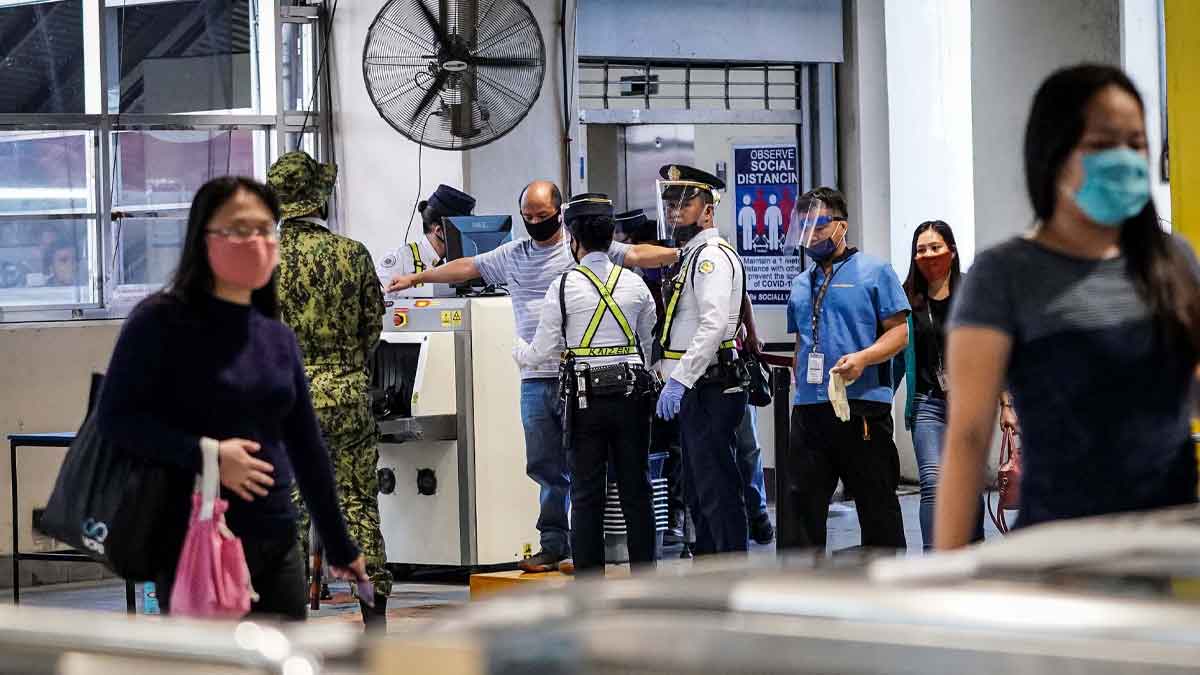
All passengers taking the MRT starting Monday were required to use the Traze app to streamline contact-tracing efforts during the COVID-19 surge, authorities said Tuesday.
Soft-launched on April 5, the app is free to download on app stores such as the Google Play store and Apple's App store. With the app, users must scan three QR codes during their commute to help authorities trace COVID-19 cases in time to reduce infections.
ALSO READ:
MRT Launching Own Contact Tracing App
Passengers need to scan QR codes in 3 locations:
- Entry station
- Inside the train
- Exit station
In the entry station, scan the green QR code labelled "For Entering Passengers, Scan Here".
Once inside the train, choose "Traze Train Coach" and scan the QR code inside the train.
Upon arriving at your destination station, choose "Traze QR Code at exit gate" on the app and look for the red QR code labelled "For Exiting Passengers, Scan Here."
What happens if you forget to scan QR codes?
Manually inputting your travel is possible if it slips your mind to scan QR codes during your trip. Click "Forgot to Time Out" on the app and input your entry and exit stations, date, and time of travel.