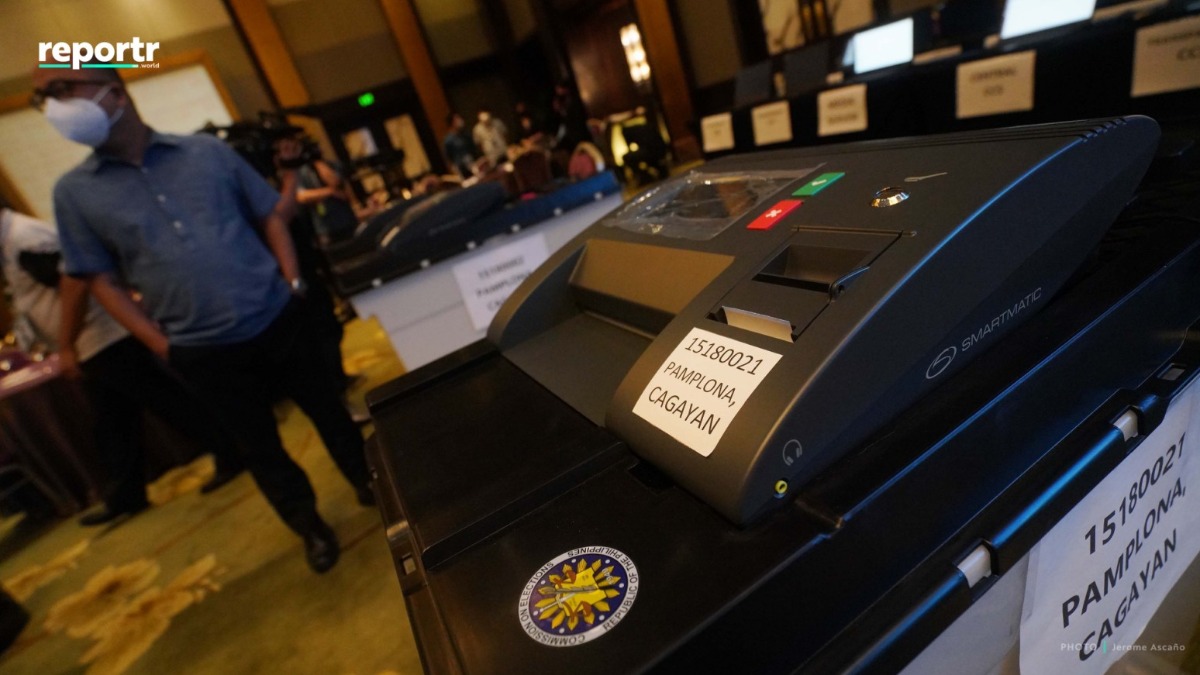
Filipinos who will cast their vote for the 2022 elections can search for their polling precinct online using the Comelec voter precinct finder.
Both local and overseas voter can access the precinct finder here. The precinct finder also indicates if the voter's status is active or not.
ELECTION NEWS YOU CAN USE:
#PHElections2022: How to Vote and Stay Safe from COVID-19
GUIDE: How to Vote if You are Pregnant, Senior Citizen or PWD
Here's a step-by-step process:
2. Indicate your location, either local (in the Philippines) or overseas.
3. Type in your name. If your name has suffixes, place it after the first name.
For those who have "MARIA" on their names may try different variations (e.g. MARIA, MA., MA). For those with "Ñ" on their names, click the button on the rightmost part of the field.
4. Select your place of registration.
For those who registered in Metro Manila, find NCR and the corresponding district.
For those born in Cotabato City and Isabela City, select "Special Province" in the drop-down options.
5. Check the captcha.