
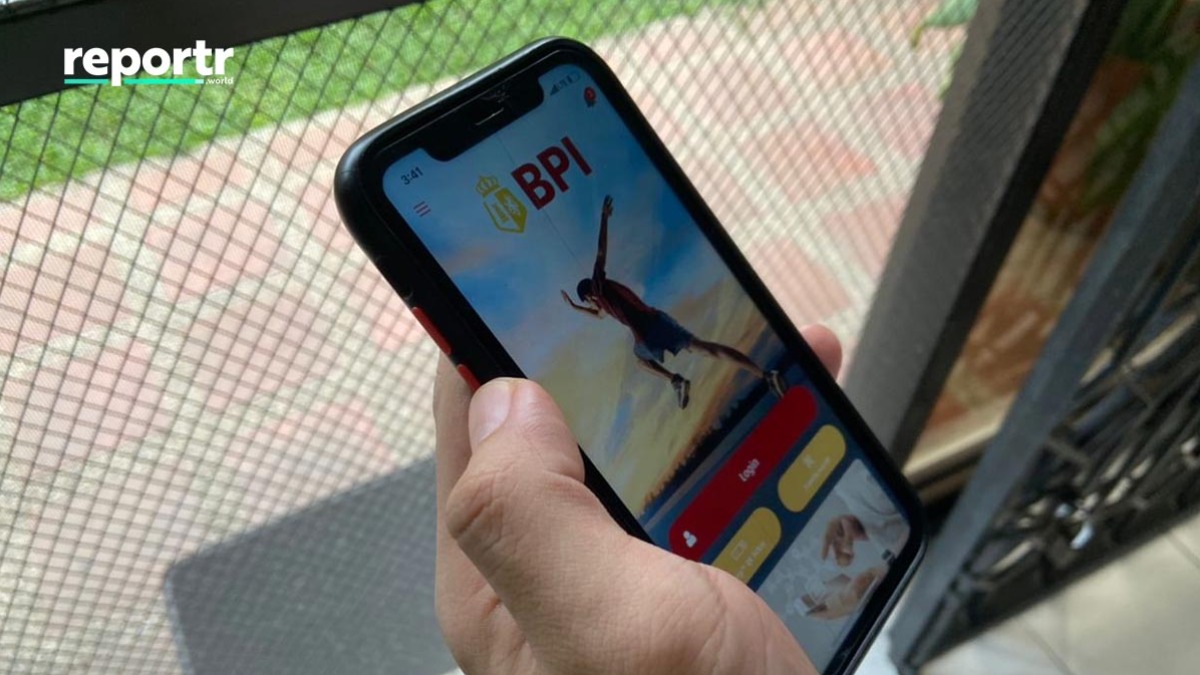
BPI Online users can use the bank's app to load several e-wallets straight from their savings accounts, all without leaving the house.
You can skip the enrollments as all you need is your e-wallet account number. The following e-wallets can be loaded:
- GCash
- GrabPay
- Beep
- EasyTrip
- AutoSweep RFID
- Dibz Pay
- GetGo
Here's how to load up using the BPI Mobile app:
- Log in to the BPI Mobile app and go to “Payments/Load.”
- Select “Load e-wallet.”
- Fill in the details and select an e-wallet.
- Double-check the details of your transaction then click on “Confirm.”
- Enter your Mobile Key PIN, fingerprint, or face ID to approve, then select “Submit.”

BPI Mobile

BPI Mobile
Article continues after this ad.
Take note that a loading fee may be deducted from your BPI account depending on the e-wallet you load.
ALSO READ:
BPI Warns of Fake 'Cancel Order' Prompts
How to Reload Easytrip RFID via Smart, TNT
How to Load Up ShopeePay Straight from Your Debit Card
Article continues after this video.
ADVERTISEMENT
watch now
Article continues after this ad.
ADVERTISEMENT - CONTINUE READING BELOW
Share this story with your friends!
Help us make Spot.ph better!
Take the short survey