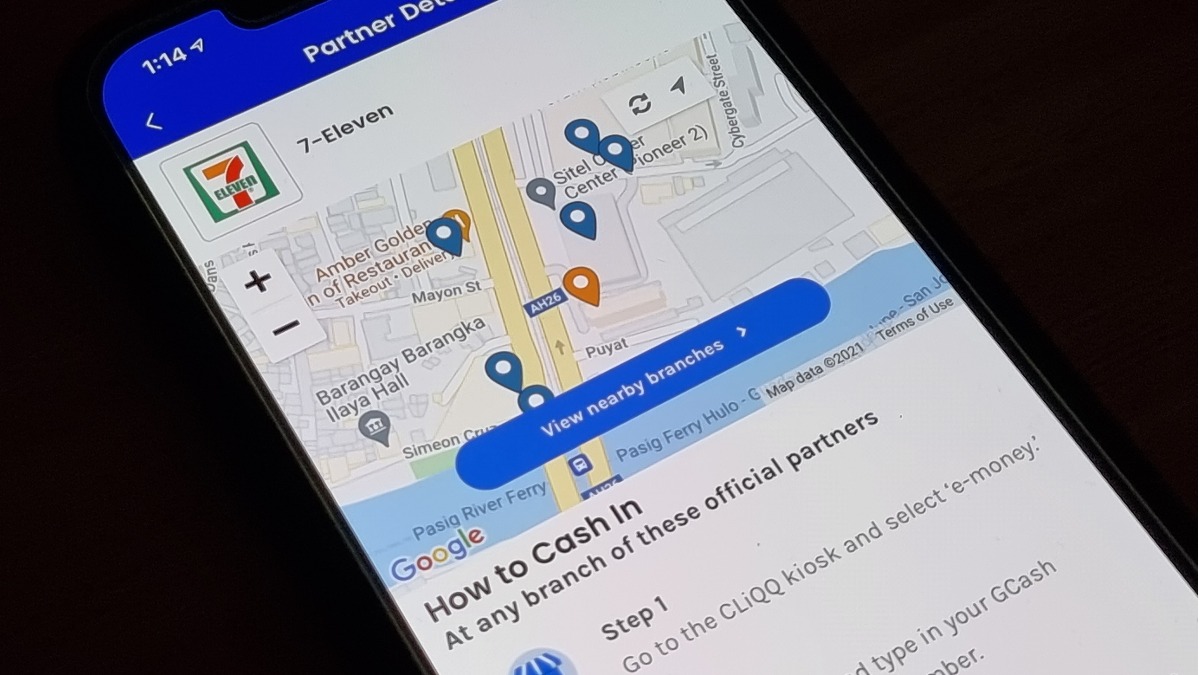
Second-year college student Nestor Casiano found a way to avoid paying 7-Eleven's 1% convenience fee for GCash cash-in transactions.
The fee, P1 for every P100 cash-in , took effect on May 17. The day after, Casiano shared he avoided paying the fee.
His Facebook post has been shared almost 24,000 times in less than 24 hours.
To do this, you need the GCash app and the CIMB Bank App, he told reportr on Wednesday. He discovered the trick while exploring the bank app.
Cash in to your GCash at 7-Eleven for free:
1. Download the CIMB Bank App, then create an account.
2. Link your CIMB account to your GSave account found in the GCash app. GSave is a savings account you can maintain straight from the GCash app. It requires no initial deposit and maintaining balance, has zero annual fees, and has no lock-in period.
3. In the CIMB Bank app, tap on Payments > Cash-in > Over-the-counter Cash-in > 7-Eleven. Select the account you want to deposit to then input the cash-in amount. It will generate a bar code which you will show to the 7-Eleven cashier.
For 7-Eleven, the maximum cash-in amount is P10,000 per barcode generated. According to CIMB Bank, you can only generate up to five barcodes per day.
4. After cashing in, go to your GSave account then click "Withdraw." The balance will be credited to your GCash app in real time, Casiano said.
ALSO READ
GCash Wants to be a Super App With These New Features
7-Eleven Stores in Metro Manila Now Have ATMs
Coin Use Falls as Filipinos Trade 'Barya' for Digital: Bangko Sentral