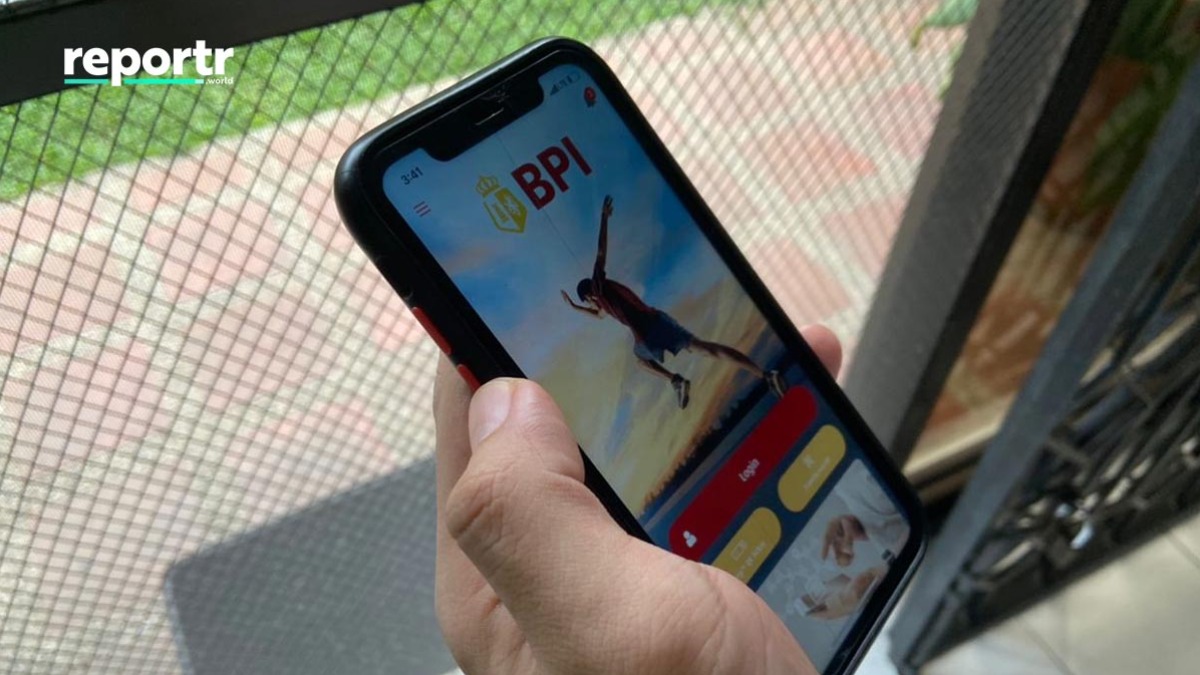
BPI Online users starting Thursday can directly link their mobile bank accounts to e-commerce platform Shopee's digital wallet for faster check-outs.
Contactless payments done via card, coins, and ShopeePay are encouraged as a safety precaution against COVID-19.
Users can also avail cashback promos, discounts, and other vouchers if they transact using ShopeePay.
ALSO READ:
How to Load Up ShopeePay Straight from Your Debit Card
Right Before 6.6: BPI Website, App Offline on June 4-5
Shopee Top Up Now Available on TouchPay
Here's how to link you BPI Online account and ShopeePay:
Link your BPI Online account to your Shopee Pay wallet:
- Tap “ShopeePay” on the “Me” tab.
- Select “Top Up.”
- Tap “Payment.”
- Select “Link New Bank Account.”
- Choose “BPI.”
- Enter your BPI Online username and password.
- Choose which account would you like to link and click “Confirm.”
Cash in using your BPI Online account
- Tap “ShopeePay” on the “Me” tab.
- Select “Top Up.”
- Select a top up value or enter an amount.
- Tap “Payment.”
- Select “Linked Bank Account.”
- Choose “BPI.”
- Tap “Confirm.”
- Tap “Pay.”
- Enter the One Time PIN sent to your registered mobile number.
Article continues after this ad.
Article continues after this video.
ADVERTISEMENT
watch now
Article continues after this ad.
ADVERTISEMENT - CONTINUE READING BELOW
Share this story with your friends!
Help us make Spot.ph better!
Take the short survey