
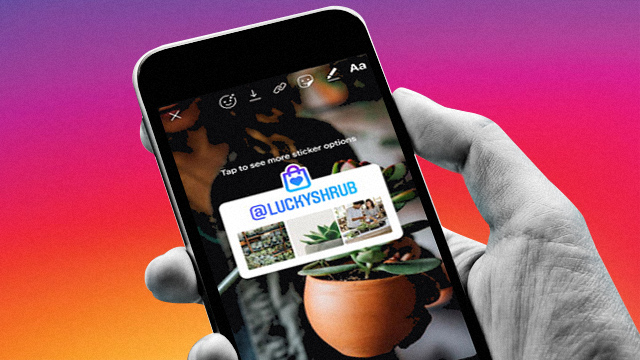
Have you recently started your own business? Many local establishments now have accounts on the popular photo-sharing app Instagram to maximize their reach and attract potential customers. It's an easy way to connect with potential buyers and to showcase just how great your business is, so make sure you are familiar with the platform's features and use them to your advantage.
Here are a few IG practices to try if you're a newbie business account on the app:
Make your bio informative but brief
Add everything a potential buyer would want to know about your business, like: what you sell, where you deliver, and where to contact you. But try not to overload with info; you can opt to create seperate posts or highlights on IG Stories for each topic or category. The most important thing to remember is to be true to your brand's voice to make your message as digestible and authentic as it can be.
Keep in mind that your feed is everyone's first impression of your business
What makes you click on the Follow button or double tap on a photo? First impressions are key to making people more curious about your business, and on Instagram, your feed is what everyone will see first.
Try to stick to certain fonts which potential customers can associate with your brand, and follow a certain color scheme to make your feed look more cohesive and #aesthetic. Not sure which colors to use? Try a color scheme generator like coolors.co to help you decide on shades that go well together. Not really familiar with how layout software works? Try graphic design platforms like Canva. By being consistent with your IG feed's look, people will easily remember your brand more.
Switch to a Business profile
Instagram has now given users and potential business owners the option to switch to a Business profile. With a Business profile, you can access insights about your followers and your posts, and add a Contact button on your profile so customers can easily reach you, among others.
To switch to a Business account, go to Settings, click Switch to Professional Account, and choose the Business option.
Utilize Instagram Stories and Highlights
The Instagram Highlights on your profile would be useful for customers who want to access easy info about your business without having to go through your feed. Use it for answering FAQs, simple product demos, and even features from happy customers who made purchases and tagged you.
Use hashtags in your posts
You can't search for keywords in captions unless they're in hashtags, so utilizing this feature will help with your brand's discoverability on the app. Use hashtags for your brand names—ones that are related to your products—or even ones that are already popular and often searched for.
Respond to comments
Nobody likes an unresponsive seller. People might just think you're trying to scam them when you don't engage with them. Try to answer comments on your posts as much as you can and respond to inquiries promptly to show that you care about your buyers and their concerns.
Candymag.com. Minor edits have been made by the editors.