
Need Your National ID Now? This Digital-to-Print Version is Your Alternative
So you can use it as a valid ID even without the card.

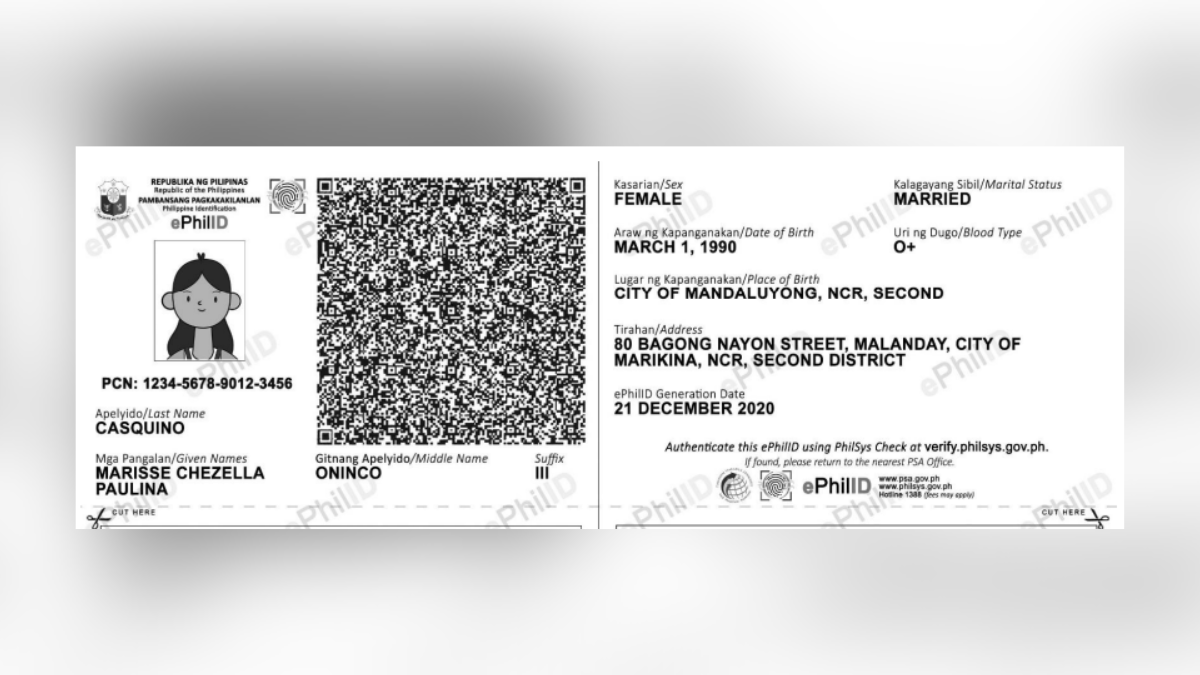
(SPOT.ph) Until the National ID arrives for everyone in plastic form, the government is offering print-ready digital versions that you can use as if it were the real thing.
Those who applied for a PhilSys ID or PhilID can request for a printout of the electronic version or ePhilID. Here's how to apply for one.
Also read:
"For Real?" National ID in Printable Digital Form Riles Twitter Users
National ID Mobile App Is in the Works While You Wait for the Physical Card
Here's how to get a printed copy of your digital National ID:
1. Log on to appt.philsys.gov.ph and check if you have a PhilSys Number.
2. Book an appointment at your chosen registration center.
3. On the day of your appointment, go to the registration center. Bring with you your transaction number and appointment slip.
4. Claim the printed ePhilID and use it as proof of identity.
The ePhilID applicant must claim their printed ePhilID in person during their appointment. Minors must be accompanied by their parents or legal guardians in claiming their printed ePhilID.