
Spot Reviews: HUAWEI MatePad Pro 12.2" Tablet
It hits the stores September 26.
Products and services mentioned on our websites are independently selected by our editors. If you buy something through our links, Summit Media may earn an affiliate commission at no extra cost to you.
(SPOT.ph) Let's be real here, productivity is at its peak when it's done on a tablet. Everyone seems to be taking notes with their sleek styluses on their tablet—happily and more motivated, might we add. It's like your all-around notebook, after all (not to mention we save a few trees), and your stylus is your pen that won't run out of ink. But the question of where to put the stylus when you're done using it can be a bit of a challenge.
You can't just attach it to the side of your tablet; it might fall and mix with the mess inside your bag and it will take forever to find it. You can buy a separate case, though the worry of it breaking remains at back of your head. But you don't have to worry all that much with this Chinese tech brand's newest tablet offering, a.k.a the HUAWEI MatePad Pro 12.2. We got to try it out for a few days and here's how it went.
Also read: Spot Reviews: Bring Productivity + Creativity Everywhere With the New HUAWEI MatePad Pro 13.2-Inch
What is the HUAWEI MatePad Pro 12.2”? Specs, features
The MatePad Pro 12.2” is a flagship tablet from the Chinese tech brand—their latest addition to their tablet lineup. The tablet weighs just about 508 grams and is 5.5 millimeters thick. It’s the lightest 12-inch tablet on the market.
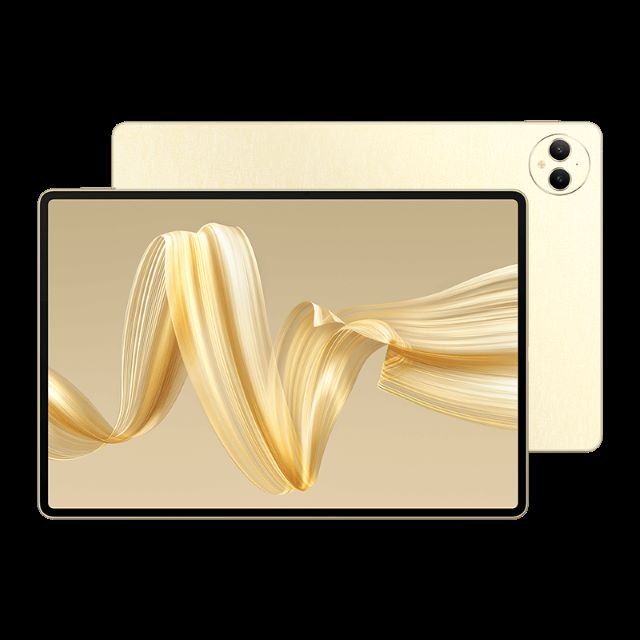
It has a Tandem OLED PaperMatte Display, which allows it to attain peak brightness at 2000 nits (that said, it still won’t be too glaring thanks to the PaperMatte display). Rest assured it will be safe on the eyes. The tablet comes in a “golden silk” design which gives it a unique, even sophisticated, look and texture that strays away from the usual tablet colors. However, if you really prefer the familiar hues, it also comes in a classic black version.
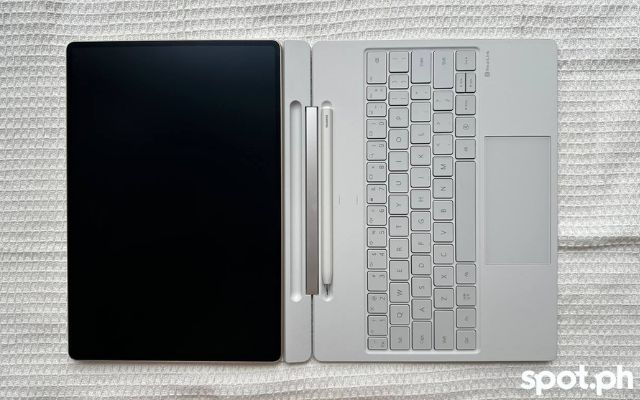
The MatePad Pro 12.2” comes with a 2-in-1 stylus and a keyboard called the HUAWEI Glide Keyboard. Both are powered by the NearLink tech. When it comes to battery life, it’s packed with 10,100mAh. You can have a 14-hour local video playback and has a standby period of 380 days.
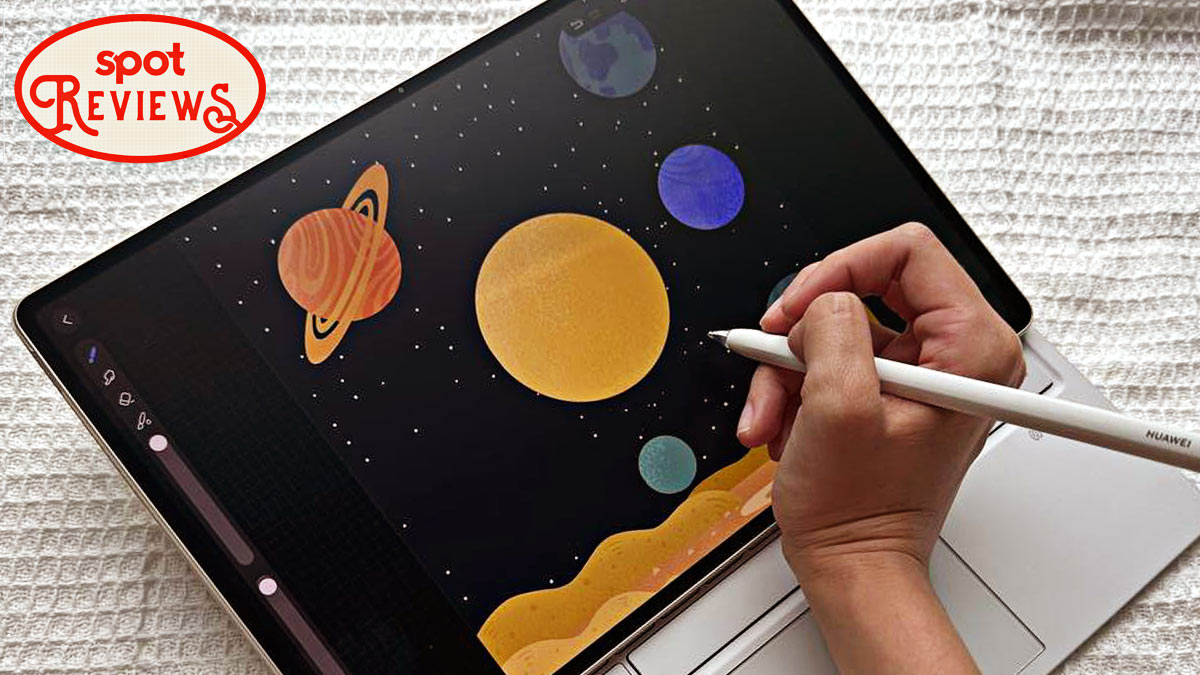
It’s equipped with the most updated (also preinstalled) GoPaint App, perfect for professional and aspiring creatives on the go. It also comes with a professional brush engine, realistic textures like different canvases, and FangTian Painting Engine 2.0. The HUAWEI Notes, on the other hand, now has an efficient interface, as well as features an advanced audio processing tech that allows audio to be recorded while notes are being taken.
It’s equipped with PC-level WPS, a free application that will have everything you might need for work. You can work on documents, presentations, spreadsheets, and even PDFs.
Thoughts on the HUAWEI MatePad Pro 12.2”?
Of course, I had to compare my experience with the MatePad Pro 13.2” (which we reviewed earlier in the year), which also came with a keyboard and a stylus.
It's the stylus that's the most glaring difference and upgrade for me. The new Glide Keyboard is sturdier, especially on the touchpad. It has a different feel than the former keyboard, which is named the HUAWEI Smart Magnetic Keyboard. It feels built-in, like a laptop keyboard.
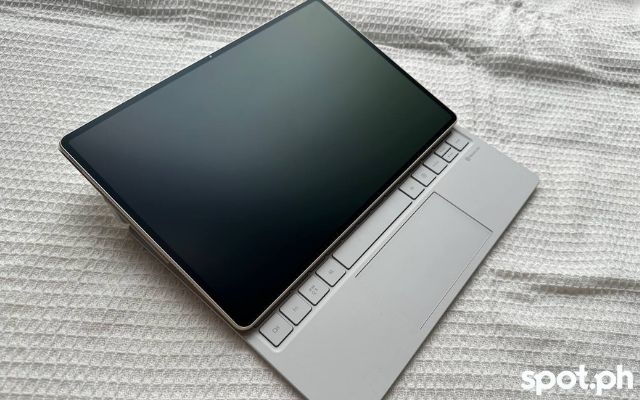
Its connection to the tablet feels more stable, too. You can have it set up on the keyboard in three ways, one of them like an artboard. And that’s not all there is you can do on the keyboard; it also has dedicated storage for your stylus.
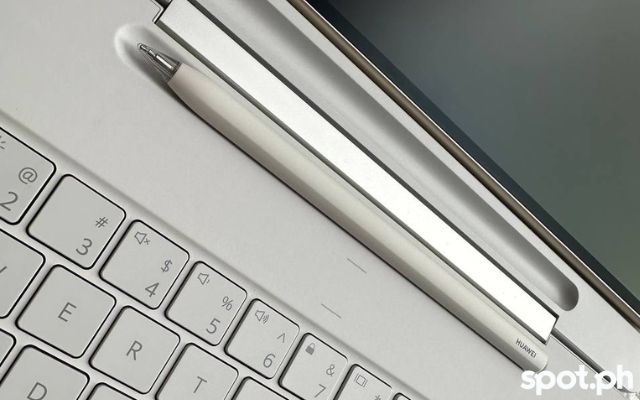
So yes, I don’t have to worry about where to put the stylus when I’m putting it down for a bit; attach it to the side, and worry about it falling out while it’s inside my bag; or misplacing it. The space is also a charging station for the stylus. It’s the stability I needed in my life.
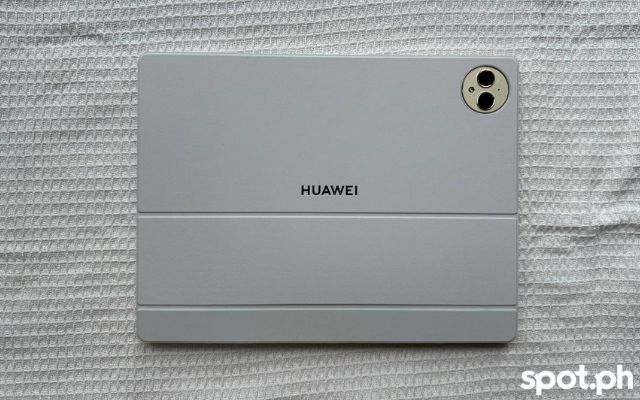
Coming with the impression that we use tablets for note-taking, the PaperMatte display's no-glare effect adds up to the paper-like visual experience. The effect is like what you see on e-readers. It also has the different canvases you can use on the Notes app.
And we know laptops can be so big and heavy that they’ll have you complaining about back or body pain in your mid-20s, and smartphones are too small for doing heavy-duty work. Tablets just sit prettily in the middle for me. And this one weighs just as light as my heavy-duty umbrella.
They’re game-changers for people who are always on the go. Case in point: a busy writer like me. Tablets can be packed with many features fit for every preference and even operate with a PC-like performance without having to feel like you're holding the weight of the world on your shoulders. It's the best of all worlds.
Everyone has something (and everything) new to learn with the HUAWEI MatePad Pro 12.2”
First things first—like its previous tablet offerings, it's equipped with a lot of pre-installed applications. You can do almost everything and anything on it.
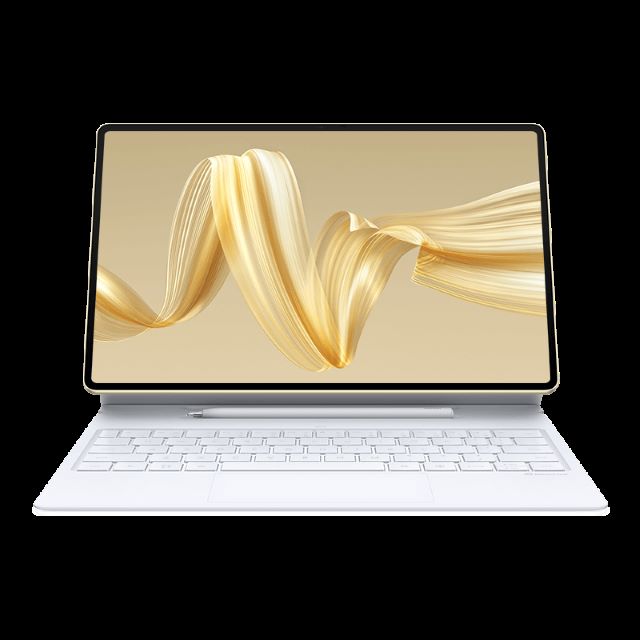
If you're a creative, you can fully utilize the most updated GoPaint version or the HUAWEI Notes. If you just want a larger and brighter screen to watch K-Dramas on (without putting too much strain on your eyes), this tablet is perfect, too. You have PC-level features in the palm of your hand. The detachable keyboard and stylus level up the work-and-play experience anytime and anywhere.
Where to buy the HUAWEI MatePad Pro 12.2"
While the price of the HUAWEI MatePad Pro 12.2" isn't listed yet, you can avail of an early bird voucher promotion online through their website as well as Shopee and Lazada pages. The HUAWEI MatePad Pro 12.2" will be available on September 26.
You can collect a P3,000 Early Bird Voucher from September 20 to October 17. You can redeem the vouchers from September 26 to October 17. You can check out more HUAWEI offerings on their Lazada, Shopee, and website.
Editor's note: The product used in this review was loaned by the brand.
Also read: SPOT.ph Roundup: Best Tablets for Work and Play Under P15,000
Links are updated regularly and as much as possible but note that products can run out of stock, discounts can expire, and listed prices can change without prior notice.
For more discounts and deals, check out Spot's exclusive vouchers.