
Google Will Be Deleting Inactive Accounts; Here’s How to Save Yours
Everything you need to know about Google's new policy.
(SPOT.ph) Heads up to pretty much everyone—Google will be coming after user accounts that haven’t been used in the last two years.
Inactive accounts will be deleted starting December 1, 2023 as part of Google’s new policy to strengthen its security and protection. According to Google, inactive accounts are ten times less likely to have a two-step verification set up that makes it vulnerable to online hacks.
“If an account hasn’t been used for an extended period of time, it is more likely to be compromised. This is because forgotten or unattended accounts often rely on old or re-used passwords that may have been compromised,” Google wrote in a blog post. “To reduce this risk, we are updating our inactivity policy for Google Accounts to two years across our products.”
Implementation might be months away, but it’s worth checking up on your own accounts now before any important data gets lost. After all, a deleted Google account will impact all third-party platforms linked to that account.
Also read: How to Protect Yourself from Online Threats, According to Google
What to expect from Google’s new inactive account policy
Here is the list of Google products that will be deleted if they remain inactive for more than two years:
- Gmail
- Google Docs
- Google Drive
- Google Meet
- Google Calendar
- Google Photos
Google will take a phased approach for this move, starting with accounts that were created but never used again. This will also only apply to personal accounts, so school and business Google accounts will be left untouched.
Users who could be at risk for account deletion will be sent multiple notifications over the months leading up to December 1 to the account email and the recovery email (if provided).
YouTube users whose accounts are created with Google don’t need to worry as Google has no plans to delete YouTube videos at this time.
How to know if your Google account is active
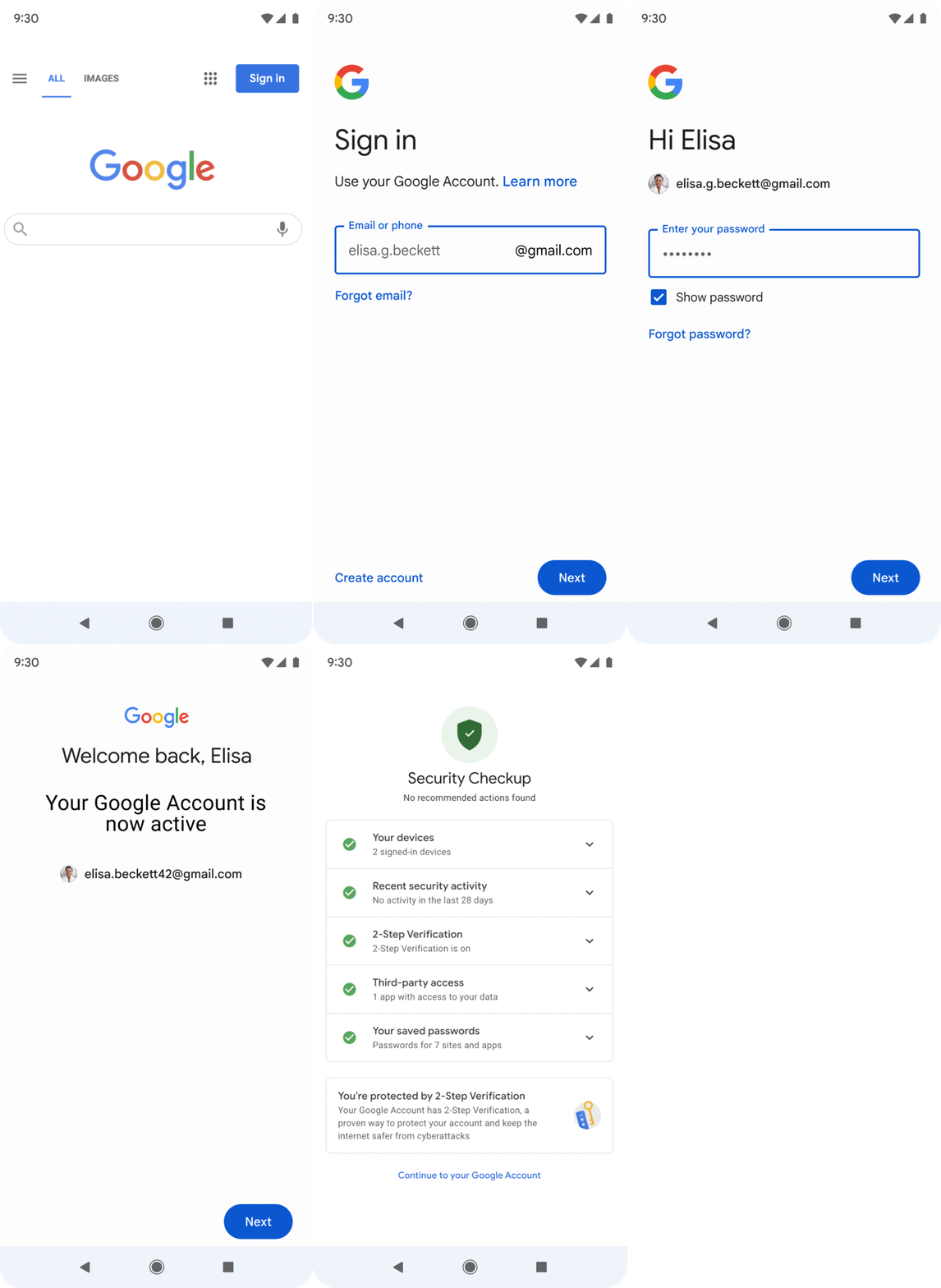
Google will consider the following actions as "activity" if you are signed in to your account while doing the following:
- Reading or sending an email
- Using Google Drive
- Watching a YouTube video
- Downloading an app on the Google Play Store
- Using Google Search
- Using Sign in with Google to sign in to a third-party app or service
How to manage Google account data
Ready to move on and leave old accounts in the past? You don't have to sacrifice personal data to do that. You can actually download and export your data from Google accounts to other platforms through Google’s Takeout feature, which is fairly straightforward process with a few clicks of a button. These data copies can be backed up or used with a service outside of Google.
You can also choose to take matters into your own hands with Google’s Inactive Account Manager feature, which allows users to decide what happens to their data when they become inactive for 18 months before deletion takes place.
Specifically, Inactive Account Manager can enable users to:
- Send specific files to trusted contacts of their choosing
- Apply a Gmail autoresponder
- Delete the account entirely
For the first option, Google will only be sending an email to the contact once the account has been inactive for the specified amount of time. The email will contain a link they can click on to download all of the provided data.