Hacking and Text Leaks: How to Protect Your Phone's Vital Info
You don't want to get tangled in a mess.
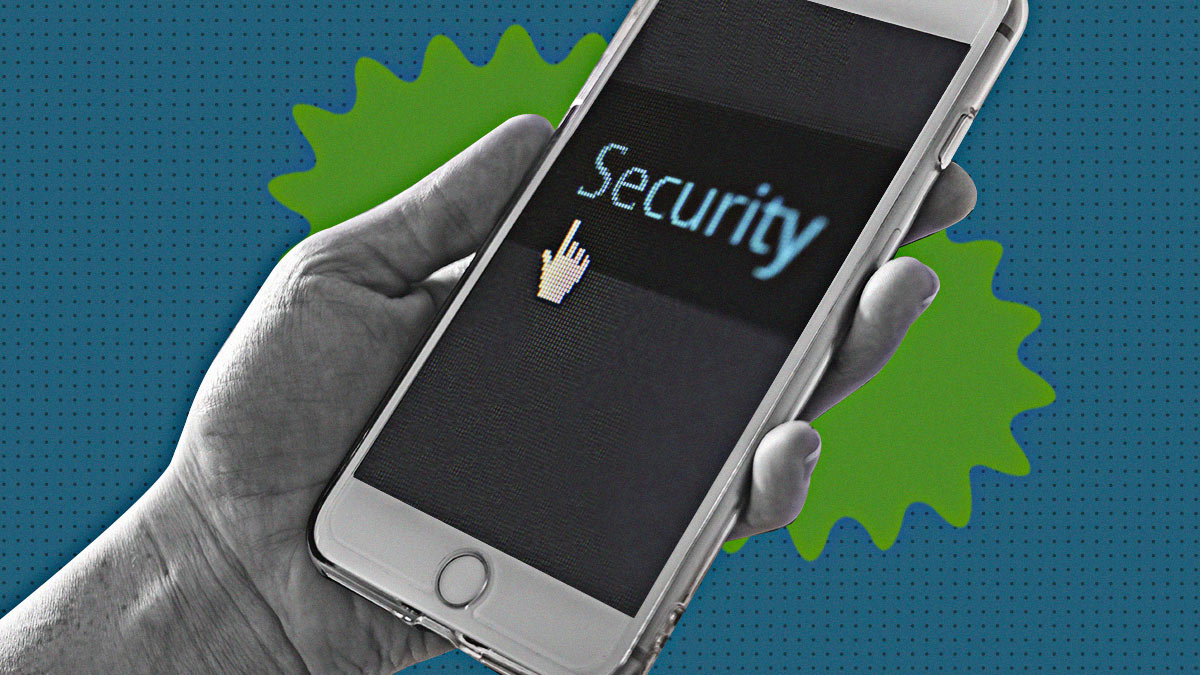
(SPOT.ph) In today's connected world, our smartphones can be considered highly valuable in the sense that they contain a lot of personal information related to our everyday lives. From private conversations to financial data, our devices hold details that we wouldn't want to fall into the wrong hands.
With recent high-profile cases of hacking and text message leaks such as the fiasco that allegedly happened to Rob Gomez, Bianca Manalo, and Herlene Budol, it's clear that anyone's privacy can be compromised. This guide will help you understand the risks and provide practical steps to safeguard your phone's vital information so you can minimize the chances of having your data compromised in the long run.
Read More: Missed a Call From an Unknown Number? It Could be a Scam, Warns PNP
Phone Hacking Facts and How to Prevent It
Understanding the Risks of Smartphone Hacking
Smartphone hacking can occur in various ways, and understanding these risks is the first step to prevention. On this note, different types of scenarios may compromise your phone.
- Physical Access. If someone gains physical access to your phone, they can potentially access all data within it, whether they may be people who just snatched the phone away from you or those who know the access credentials to your phone.
- Unsecured Networks. Using public Wi-Fi in establishments can expose your phone to hacking attempts.
- Malware and Apps. Downloading apps from unofficial sources can introduce malware that compromises your phone's security.
- Operating System Vulnerabilities. Outdated software may have unpatched security flaws that hackers can exploit without you knowing it right away.
Read More: Got a Text That You Got Parcel? PHLPost Says It's a Scam
Preventing Unauthorized Access
Protect your phone from unauthorized access with these strategies:
- Be wary of the signs. Some signs of phone hacking you need to note include unexpected data usage, unusual activity on accounts, and unfamiliar apps installed on your device.
- Use Strong Locks. Always use a passcode, pattern, or biometric lock to secure your phone. Never share this access code with anyone.
- Two-Factor Authentication. Enable 2FA on all accounts that offer it for an extra layer of security. If possible, have a backup phone that will receive the security-related notifications in case you don't have access to your primary phone at the time.
- Be Cautious with App Permissions. Only grant necessary permissions to apps you trust. As much as possible, these should only be the ones that you download from reputable sources.
- Secure Messaging Apps. Use apps that can help you send end-to-end encryption and self-destructing messages after a set amount of time.
- Avoid Using Public Wi-Fi. This is especially important when you're doing highly sensitive transactions, such as online banking. If you really don't have much of a choice at the moment, use a VPN instead. Better yet, use mobile data for this.
- Use Antivirus Apps. Antivirus apps can offer an additional layer of security by detecting and removing malicious software.
- Never Share Your Personal Information. Do click on any sort of link when someone sends a link to you. If you need to confirm you're talking to the person they say they are, verify the sender's identity through other means. Try calling their number, having a video call, or personally meeting up with them to be sure.
Read More: What to Do When an Unknown Number Calls or Texts You via WhatsApp
Keeping Your Operating System and Apps Updated
Regular updates often contain critical security patches. In this regard, make sure to:
- Enable Automatic Updates. Set your phone and apps to update automatically. Some phones give you the option to update during a timeframe when you're least likely using your phone. Use it to your advantage if you have to be on the phone most of the time.
- Regularly Review Installed Apps. Uninstall apps you no longer use. This will help reduce potential vulnerabilities that you may encounter.
Backing Up Your Data
Backing up your phone's data is essential, and these are some ways to do it:
- Cloud Backups. Use secure cloud services with encryption to back up your data.
- Local Backups. Regularly back up your phone to a local computer or external drive.
Dealing With a Lost or Stolen Phone
If your phone is lost or stolen, take these immediate actions:
- Remote Wipe. Use built-in services like Find My iPhone or Android Device Manager to remotely erase your phone's data.
- Report the Loss. Contact your service provider and report the loss to local authorities.
- Change Passwords. Immediately change passwords for all your online accounts.