
How to Check the Status of Your Plastic Driver’s License
Here's to making the waiting game a little more bearable.
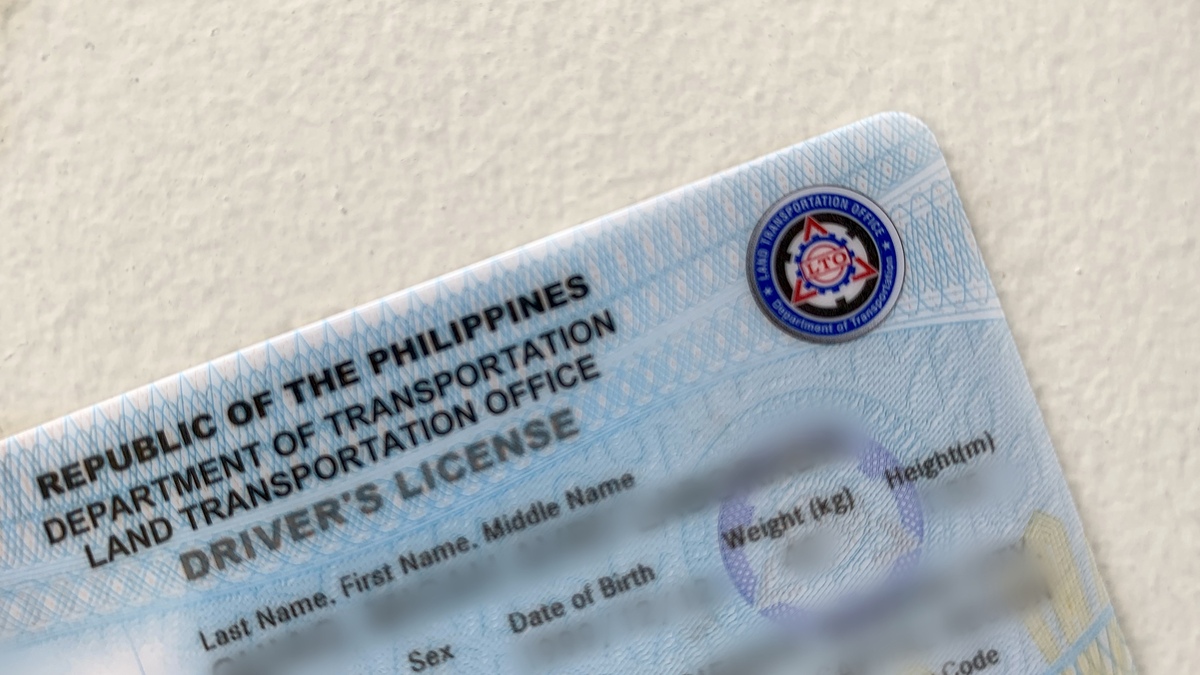
(SPOT.ph) Tired of waiting for your driver’s license card? You’re not alone. The Land Transportation Office-National Capital Region (LTO-NCR) has heard about the growing impatience among those who've applied and responded with a newly launched online system that lets you check the status of your card.
LTO-NCR Regional Director Roque Verzosa III said that this new feature offers a convenient way for motorists to make sure they don't feel left out in the cold waiting for that elusive plastic card.
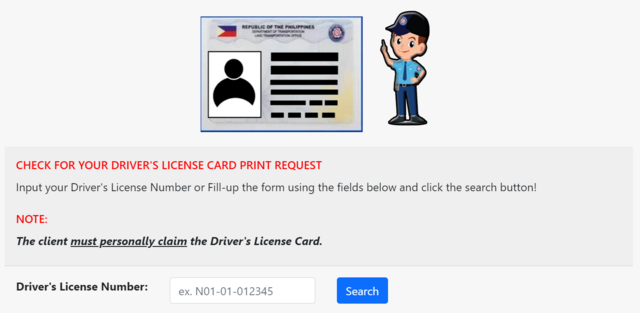
Head over to the online inquiry page at the LTO-NCR website to see if your card is ready for pickup. To do this, input your driver’s license number or search with your full name and birthday. Do note that this service is only available to those who renewed or applied for their driver’s license at an LTO-NCR office.
If you see the message "There is no request found for printing the Driver's License card with the details you provided" after hitting search, you'll need to submit a print request for your backlog driver’s license card using this request form.
For now, the option to request and claim your driver’s license is only available at selected LTO offices in NCR, including locations like Ali Mall, Eastwood, Robinsons Place Manila, and other key licensing centers in Quezon City and Caloocan. Several district and extension offices, like Pateros and La Loma, are also part of the system.
The driver’s license holder must be the one to personally claim the plastic card.
“The system enables users to request and claim their Driver’s License Cards only at the specific LTO office where the transaction took place. This ensures a streamlined process and improves overall efficiency in card distribution,” Verzosa said.
How can other motorists get plastic driver’s license outside of NCR?
Don’t fret if your go-to LTO office isn’t listed yet—Verzosa assured the public that more LTO-NCR offices will be integrated into the online system soon.
In the meantime, motorists outside of the NCR can reach out to LTO’s hotline at 0929-292-0865 using the Viber messaging app to request for “faster printing.”
Everyone should have received their pending driver's licenses by July 1, following LTO's successful bid for 9.7 million plastic cards to address the past issuance delays. The agency said this rollout should be enough to support the demand until the end of 2024.
"The LTO-NCR is committed to expanding this service to ensure that more clients can benefit from the convenience of online access to their Driver’s License Cards," Verzosa said.
Also read: Still No Plastic Driver's License? You Can Now “Order” Yours for Printing via LTO's Hotline
While waiting for the claiming period, motorists with a paper license may also use the electronic driver’s licenses (eDL) through the Land Transportation Management Systems (LTMS) portal as an alternative to a physical copy.
After all, eDL holders “have the same privileges and responsibilities accorded to holders of a physical driver’s license” as per LTO Memorandum Circular No. HAV-2023-2410.
Also read: GUIDE: Everything You Need to Know About LTO’s Electronic Driver’s Licenses