

ICYDK: This Spotify Feature Lets You Have Your Own Personal DJ
This DJ's got you falling in love again.

(SPOT.ph) You love your Spotify playlists. We know you do. After all, it carries your favorite songs and artists for any mood and situation. From going through a tough breakup, or needing a pick-me-up, or need a pump-up soundtrack for your workout; some of you even have playlists dedicated crushes or situationships (that didn’t work out in the end, but that's another story), or even ultra-niche experiences—rest assured that you have a personalized playlist for it.
Spotify, too, has a lot of playlists and features at your disposal. You love their Discover Weekly, Spotify Wrapped, and so on and forth. Here's another feature that gives you your AI-generated DJ that takes personalization to a whole new level.
Also read: Need a Random Distraction? You Can Play Snake on Spotify by "Eating Your Playlist"
What you need to know about Spotify’s New AI DJ X:
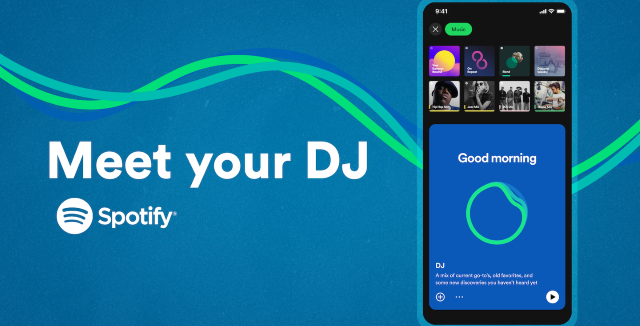
It’s like having a pocketable and personalized DJ. Nevermind there’s no event or party you need a soundtrack for. You can just plug in your earphones and have at it with old and new, familiar and foreign songs a.k.a "current go-tos, old favorites, and new discoveries" with the help of this AI-generated music guide. It first rolled out in the first half of the year and has reached more markets just recently.
How to use the Spotify AI DJ
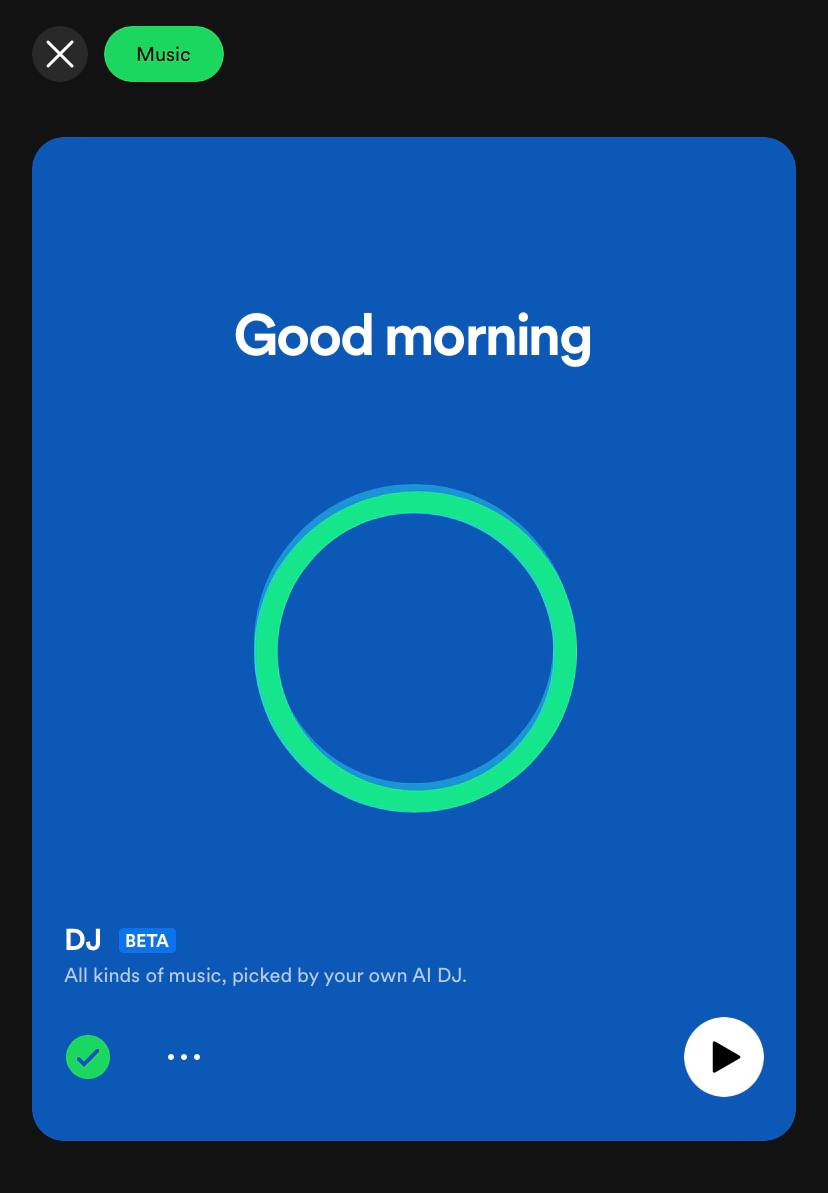
First, make sure that your app is up-to-date. You can find the beta by simply searching for the "DJ" on the search bar, or it could be already on your Home Feed, or, the easiest location should be at the Music tab. Scroll down and you'll find a bright blue rectangle with a green circle named DJ. Tap on it to start.
In a realistic human voice, it will introduce itself as DJ X, and before it dives right into a stream of music, it’ll do a short commentary (courtesy of Spotify's music experts) on the songs, artists, and genres you’re about to listen to. Think like the DJs on radio stations you listen to during the commute but more personalized and on your own phone.
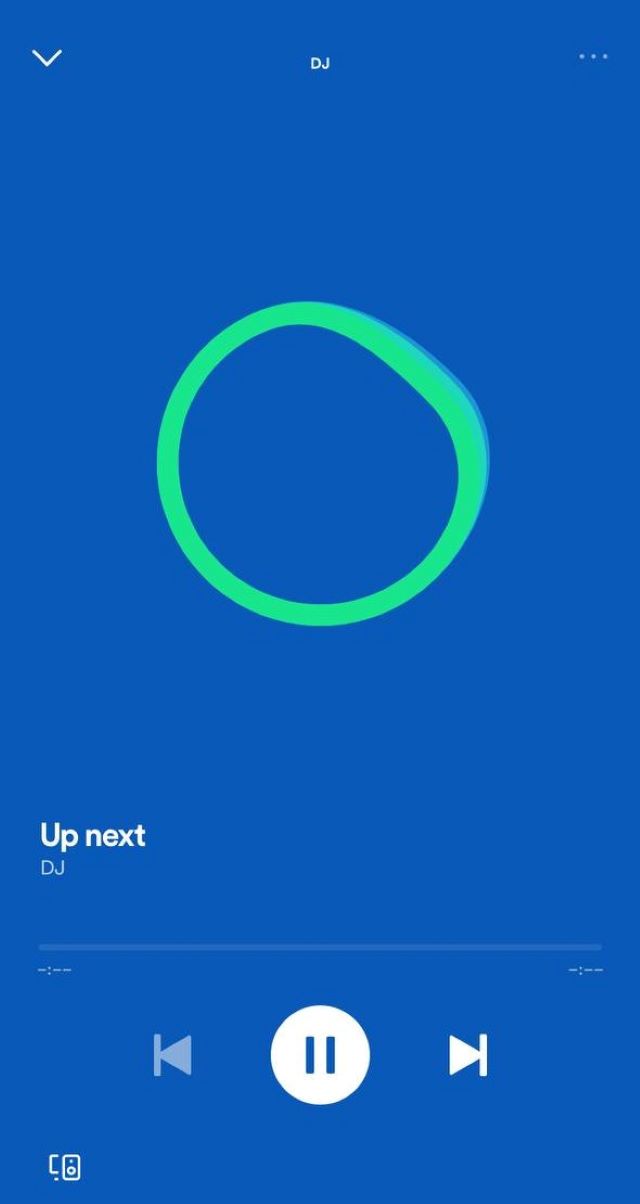
As mentioned above, it could be a mix of everything you have listened to before, your favorites, and new tracks that you might love—all based on what they know you like, a.k.a your music habits. Like "Songs That Made Your 2022," "Songs That Should Sound Like a Lot That You've Been Listening to Lately," or "Songs From an Artist You've Been Listening to a Lot"; it can be just a vibe or a genre, too.
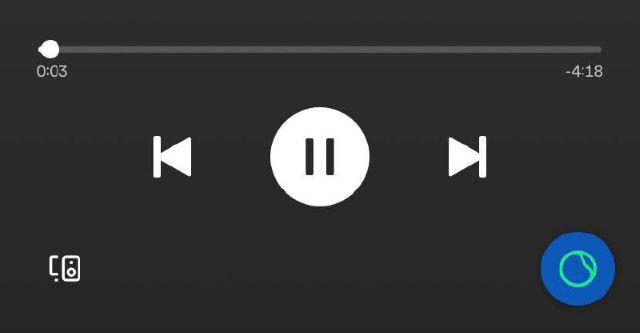
You can skip songs and the DJ will appear in-between five tracks to change up the vibe if you don't feel like it. Or you could just press the mini DJ logo on the lower right for an instant switch. The more you tell it what you like and don't like, the "better its recommendations get," says Spotify. So sit back, chill, and get the music-discovery party going in your own room with this new tool.
Also read: Marupok Alert: PH Has the Most Love-Related Playlists in Southeast Asia