
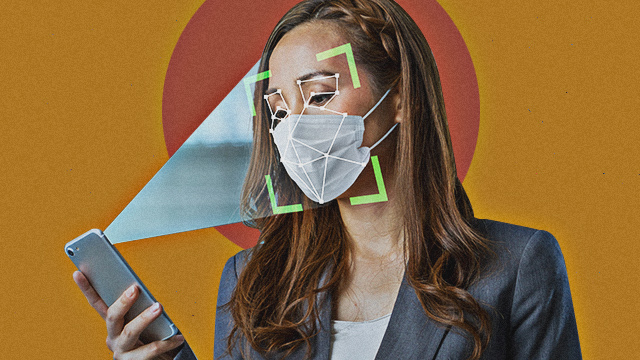
Face ID on iPhone has been one of the most convenient and useful features on the ubiquitous device since it debuted with the iPhone X in 2017. Made cumbersome to use by COVID restrictions, the security feature now works even if the user is wearing a face mask—at least with the new iOS 15.4 update—making it very handy as more people leave their work-from-home cocoons. Rumors of the updated feature began circulating the tech world as early as January.
Using invisible lasers to map out the user's mugshot, Face ID is one of the most secure ways to unlock an iPhones, so much so that it's baked into banking apps, virtual wallets, and all other apps that require an additional layer of protection to gain access. We tried it as soon as the software update dropped on March 15 and it works—both for unlocking your phone and accesssing password-protected banking apps.
How to Set Up iPhone Face ID to Work When You Have a Mask On
First things first, you need to update your iPhone to iOS 15.4. If you don't have auto-update turned on, go to Settings > General > Software Update to start the update process. Note that you need an iPhone 12 series device or newer model to use the updated Face-ID feature—the iOS 15.4 update only covers the iPhone 12, 12 Mini, 12 Pro, 12 Pro Max and the iPhone 13, 13 Mini, 13 Pro and 13 Pro Max, as of writing.
Once you've updated your phone, tou need to save a new Face ID scan. You'll be greeted by the "hello" startup screen. Don't panic, you don't need to redo your set-up all over again. iPhone will just ask you to scan your face. No need to wear a mask when you save a new Face ID scan. It's the usual face-scanning process. Just position your face in the middle of the circle then rotate as instructed. If you're wearing glasses, iPhone will ask you to take them off for the scan then put them on to scan a second time.
And you're done! We tested the updated feature with a black face mask on and it unlocked the iPhone instantly and even allowed for accessing a banking app with Face ID enabled. Now, you're equipped to run errands and access your phone without having to input your passcode—or worse, take your mask off.
Hey, Spotters! Check us out on Viber to join our Community and subscribe to our Chatbot.