
GCash Double Authentication is Here To Ward Off Scammers
Here's how it works.
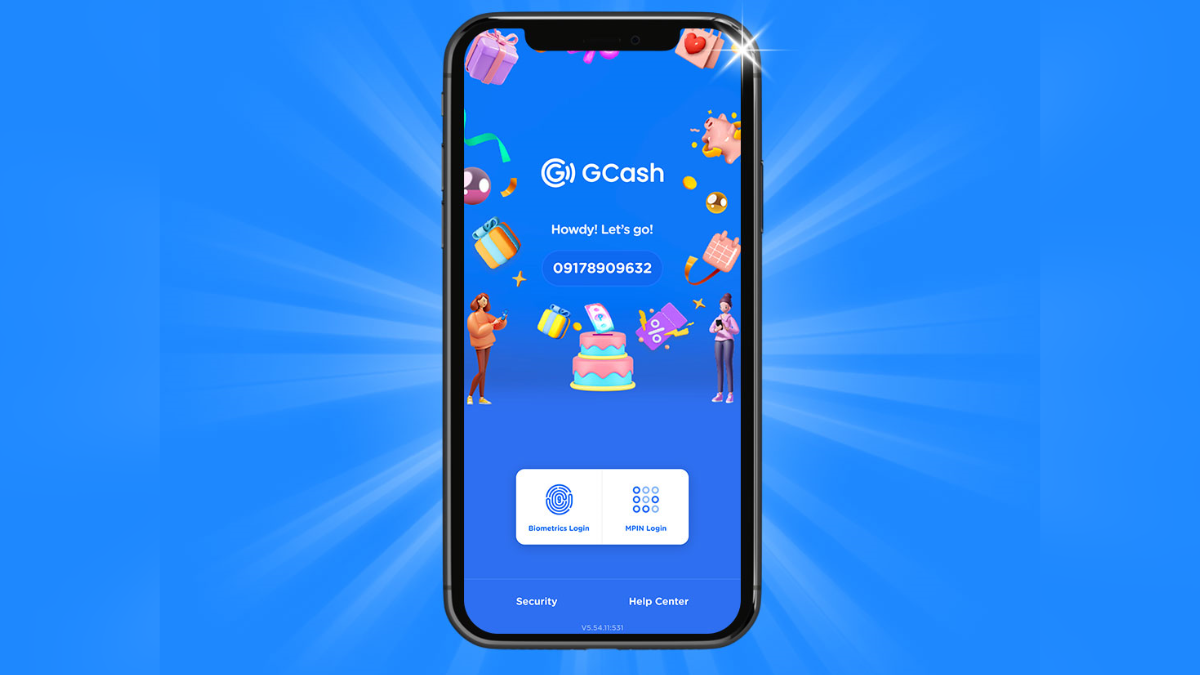
(SPOT.ph) GCash users can soon add another layer of protection to their accounts as the Philippines' most widely-used mobile wallet rolls out double authentication to prevent unauthorized transactions.
More on GCash:
GUIDE: Useful Features of a Verified GCash Account
GCash Guide: Where Cash Out Service Is Available
The double authentication feature uses facial recognition to ensure that only the account holder can link their GCash account to any device instead of relying on the SMS one-time password (OTP), said Winsley Royce Bangit, GCash chief customer officer.
GCash said double authentication is on limited release and is coming soon for all its 71 million users.
What you need to know about GCash's double authentication
How do you activate double authentication in GCash?
1. Open your GCash app and input your mobile number. Tap Next.
2. Tap Send Code.
3. Enter the OTP.
4. Tap MPIN Login and enter your MPIN.
5. Prepare for your selfie scan and tap Next.
6. Take your selfie scan.
Some tips on how to take a good selfie scan:
- Wear proper attire
- Take it in a well-lit room
- Ensure there's no other people in the background
- Show your full face
- Remove your face masks, helmet, head acessory or anything that covers your face
- Wait for the camera to finish the scan
Why can't I link my device using Double Authentication?
It could be due to the following reasons:
- It is on limited release and is coming soon for all users.
- You are using biometrics to log into your account. Switch to MPIN for the scan.
- You have exceeded the allowable attempts (up to five attempt) to link your device. You may try again after 24 hours.
Also read:
SPOT.ph Roadtest: GCash Works in Japan and It Saved Us From Money Changer Losses
SPOT.ph Roadtest: How Does GCash Hold Up in Singapore?