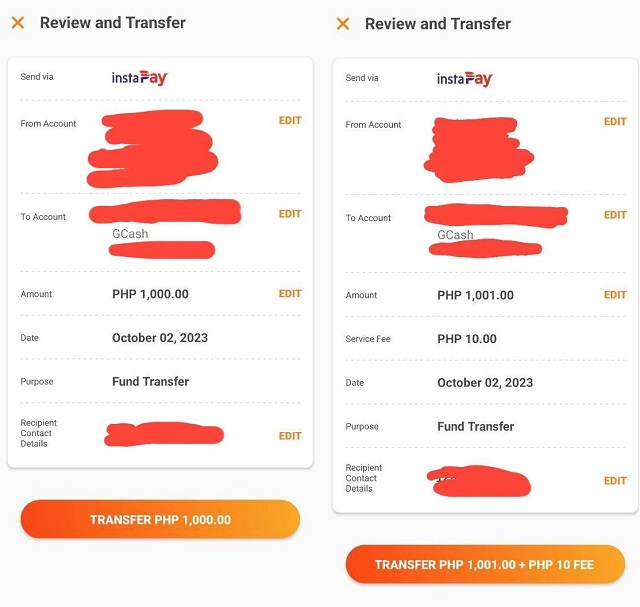
Psst, Here's a Way to Load Up Your GCash via BPI, UnionBank for Free
Save P5 for every transaction.

(SPOT.ph) UPDATE: October is here, which spells bad news for some GCash users as it starts charging convenience fee for every cash-in via BPI and UnionBank, even if it's a linked account. But here's some relief for mobile app users: You can still cash in via the BPI and UnionBank app for free through this workaround.
This option may be your chosen method of cashing in ever since, but for those who usually cash in via GCash, this can mean not having to pay the P5 convenience fee every transaction. This works for those cashing in via InstaPay.
We tried it on October 2 when GCash started collecting fees for linked account cash-ins to confirm if this will still work.
Also read:
Attention GCash Users: You Will Soon Be Charged for Cashing In via These Banks
For GCash Payments, Can Stores Charge an Extra Fee?
Learn how to cash in for free via BPI using this method
Note that this works for P1,000 and below single transactions.
- Log on to your BPI account. (In this case, we're using the new app)
- Click the account where you'll transfer funds from.
- Click "Transfer to" then select "Another bank".
- In the "Transfer to another bank" page, click "Transfer to" and select "G-Xchange/GCash". You may also type it in.
- Fill in the account number—or the 11-digit mobile number starting in 09--------- of the GCash account where you'll send the funds to—and the account name.
- Type in the amount you'd like to transfer to the GCash account. Click "Continue".
- Review the details. There, you'll see that the fee is P0.00. Once done double-checking the details, click "Confirm."
- You will then receive a prompt that the transfer was successful, followed by text messages of the confirmed cash-in.
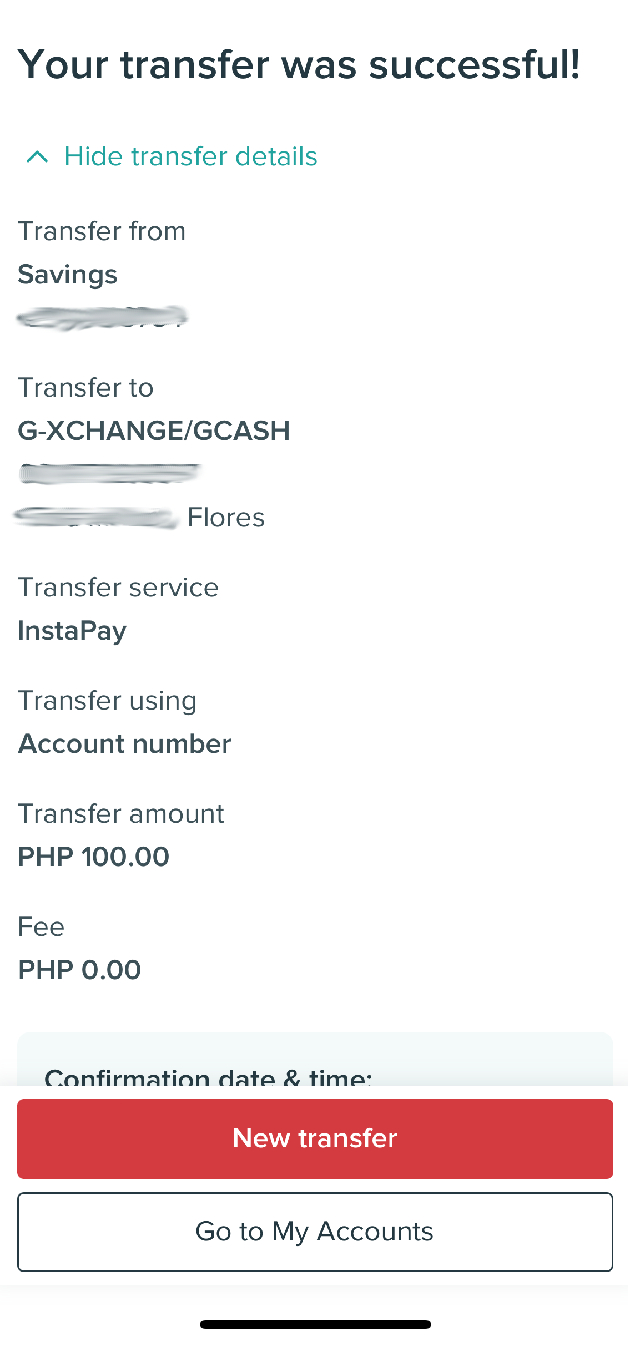 PHOTO BY Pia Regalado
Also read: These Banks Waived InstaPay Fees for Transfers Worth P1,000 and Below
Cash in on GCash with no charge via UnionBank app
The zero service fee also applies for transactions P1,000 and below, and can be availed until November 11, 2023.
- Log on to your UnionBank account on the mobile app.
- On the dashboard, tap "Send Money".
- Tap "Other Banks & E-Wallets"
- A pop-up asking you to choose how to send money will show. Choose InstaPay.
- Choose GCash from the dropdown options.
- Fill in your GCash account details (Number and name).
- You can opt to notify the GCash recipient via text, email or both
- The next page will ask you to input the amount. Click "Next".
- Review the details of your transfer. Note that there is no transfer fee. Click the orange button.
- InstaPay reminders will pop up. Click continue.
- You will then be asked for an OTP.
- Once you've put in the correct OTP, UnionBank and GCash will notify via SMS if the transfer is successful.