
SPOT.ph Roadtest: Turning Our Alkansya Coins Into GCash Using the BSP's Deposit Machine
Zero deposit fees needed.

(SPOT.ph) Got lots of coins gathering dust in your alkansya at home? Turn those coins, centavos included, into GCash balance or even SM shopping vouchers for free using the Bangko Sentral ng Pilipinas' Coin Deposit Machine.
BSP, together with its partner retailers, launched the Coin Deposit Machine this June to encourage Filipinos to turn idle coins inside their piggy banks into virtual money or shopping vouchers as it aims to promote coin recirculation in the country.
This machine is good for those who don't like using coins in everyday transactions, don't like lugging around heavy coin purses, or simply can't find the time to bring their coins to the bank to have it replaced. This machine accepts all BSP-released coins, even those one centavo coins your suking tindahan wouldn't accept for everyday transactions.
Also read:
LIST: BSP Deposit Machines In and Around the Metro
10 More Mobile Wallets to Try for a Cashless Existence
PSA: Don't Iron P1,000 Polymer Bills in Your Jeans Pocket or Else...
What you need to know about BSP's Coin Deposit Machine
There are four live coin deposit machines in Manila, specifically two machine at SM Mall of Asia in Pasay City, Robinsons Place Ermita in Manila, and Festival Supermall in Muntinlupa. BSP will soon deploy six more machines other SM and Robinsons Malls this year.
Aside from GCash, BSP is also in talks with electronic money app Maya to provide more e-money options for Filipinos and may be an available option by August 2023.
It accepts all denominations of the original BSP coin series from one centavo to P10 coins, and the new generation currency coin series from one centavo to the new P20 coins.
Good news is, the deposit is done in real-time and will be credited to you once you're done with your transaction.
Take note that damaged, mutilated, demonetized coins, as well as foreign currency, foreign objects and tokens will not be accepted.

How to use Bangko Sentral ng Pilipinas' Coin Deposit Machine
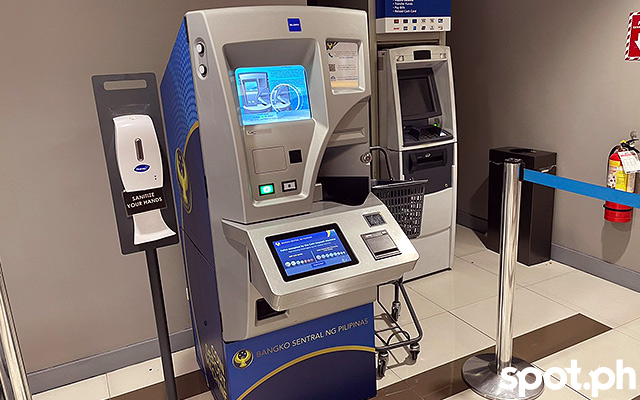
If it is your first time using this machine, or you just need a refresher on how to do it again, read this instruction on new transactions.
1. Bring your coins to the nearest BSP coin deposit machine. Counting your coins prior to depositing it in the machine is optional, as the machine will count it for you.
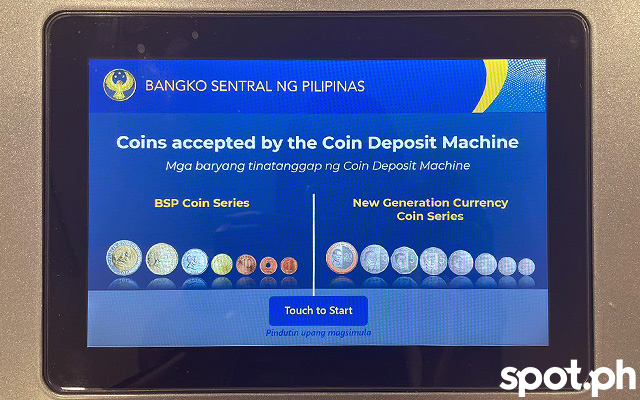
2. Follow the instruction on the touchpad. Click New Transaction. (Note that there's also an option to continue a previous transaction, which requires a code from the earlier activity.)
3. Place all your coins in the coin slot located at the front right side of the machine.
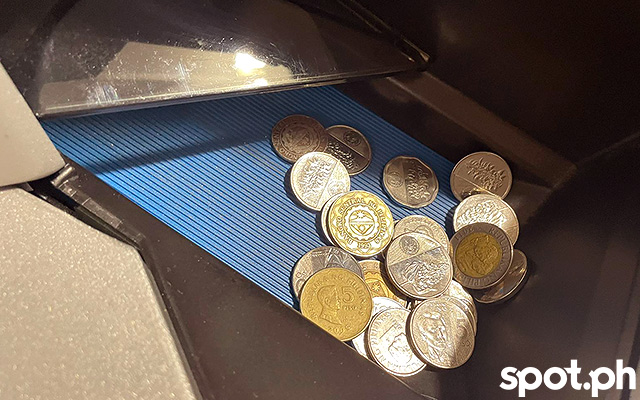
4. Press A to start counting the coins.
5. Check the summary of denomination and total amount of coins shown at the screen.
6. Double check the coin slot at the lower part of the machine if there are returned coins.
7. Once finished with your deposit, press B to print your receipt.
8. Once receipt is printed, take the receipt which shows the breakdown of the coins and the total amount deposited.
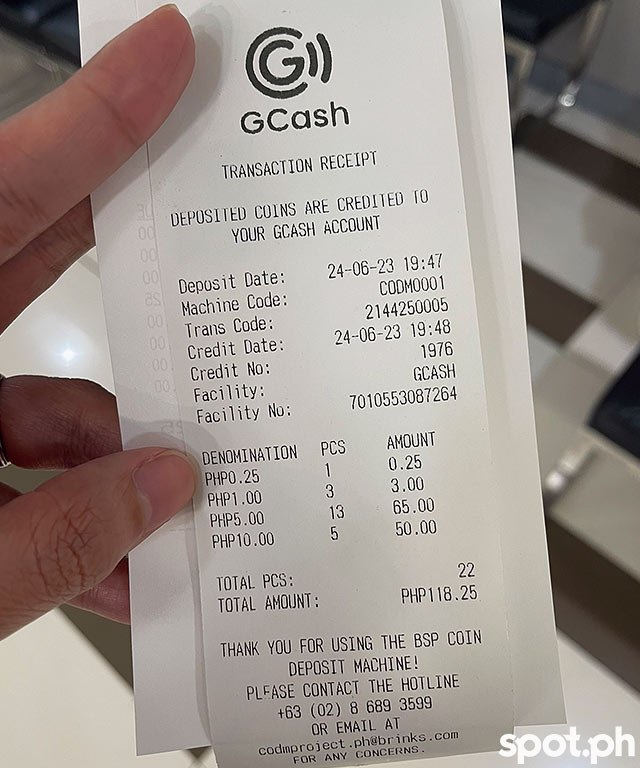
9. At the touch screen, you will be asked to pick whether to convert your deposited coins into GCash money or SM Voucher. Select one. If you choose GCash, type in your registered GCash mobile number and press continue.
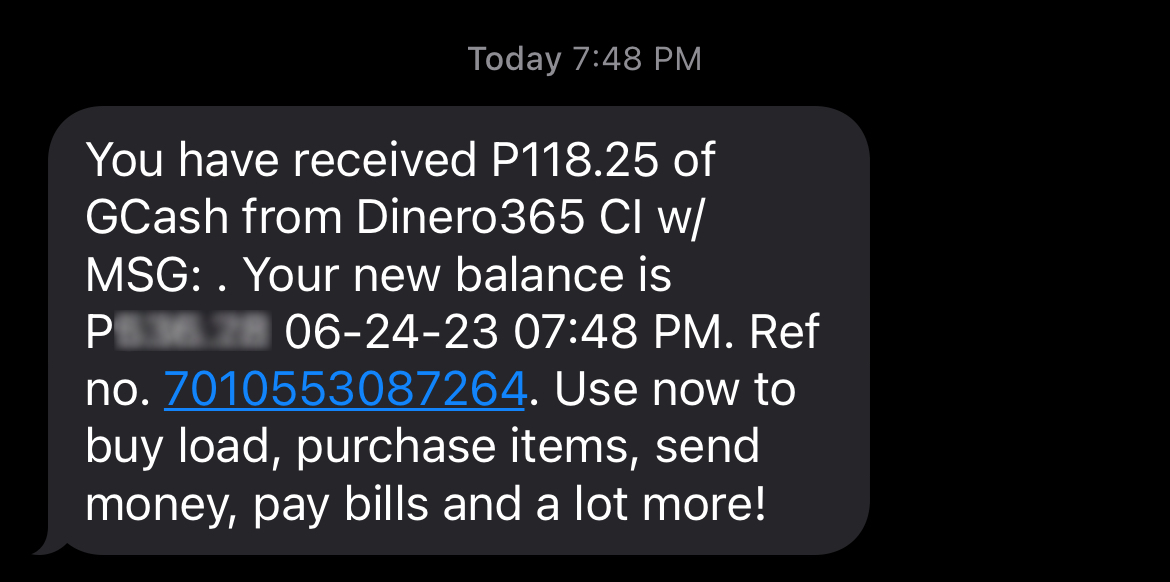
10. Wait for the receipt to be printed. If deposited to your GCash account, expect a text message of confirmation right after your deposit.
Also read:
Coin Collectors, Bangko Sentral Now Sells Commemorative Money Online