The SPOT.ph Guide to Using CoinsPH
Maximizing your profits while making sure your funds are in one place.

(SPOT.ph) In this fast-paced digital age, we're constantly seeking ways to simplify our lives and embrace convenience at every turn. Enter CoinsPH, which is both a crypto wallet and mobile wallet that has revolutionized the way we handle our finances. Imagine an "online wallet" that seamlessly integrates into your daily routine while letting you effortlessly manage your funds whenever and wherever you desire.
Similar to other cashless payment schemes out there, you maintain a balance in your digital wallet so you can have it ready anytime, anywhere. Whether you're making online purchases or settling bills at partner establishments, CoinsPH ensures a smooth and secure process.
Earn rewards with every transaction you make through CoinsPH. Partner merchants join hands with CoinsPH to bring you an abundance of benefits. From earning exclusive rewards to unlocking exciting offers, every payment you make through CoinsPH becomes an opportunity to enhance your shopping experience.
What is CoinsPH?
CoinsPH is an all-in-one financial companion designed to revolutionize the way you handle your money. But what makes this digital wallet different from the rest aside from the fact it requires you to be at least 18 years old?
Aside from the basic mobile wallet features, it gives you easier access to the world of cryptocurrency. From Bitcoin to XRP and even Ethereum, you can be sure your account is connected to those. This means that if you're into cryptocurrency trading and you want to cash out your money ASAP, CoinsPH is a viable and legit portal to do that type of transaction.
How to Set Up Your CoinsPH Account
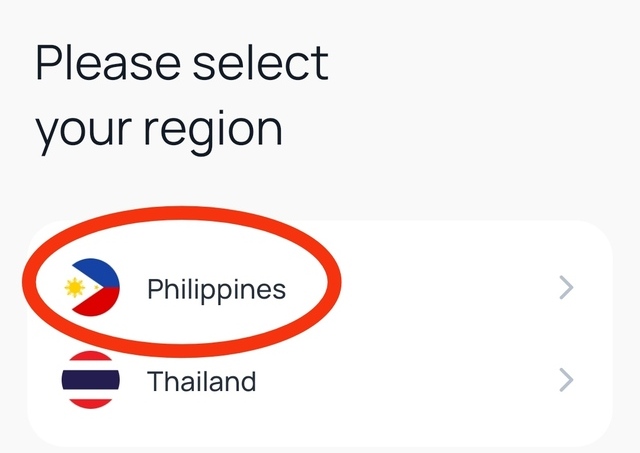
- Open the app. The first page will give you a prompt to select your region. Choose "Philippines."
- Click "Create Account."

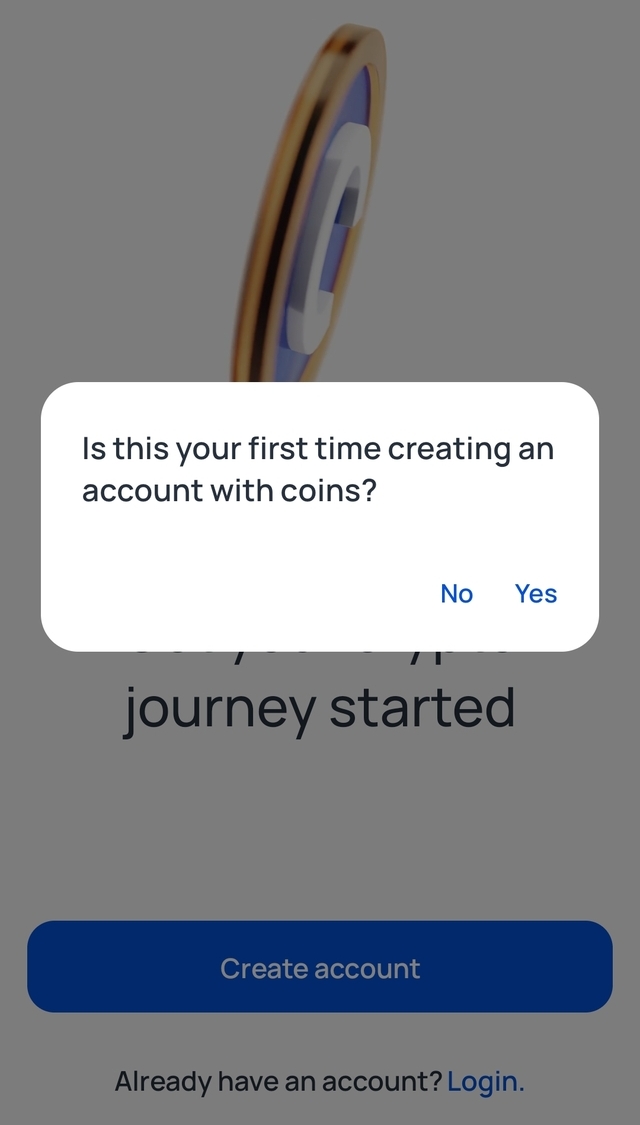
- You'll be asked if this is the first time you'll be creating an account using CoinsPH. Choose either of the two.
- Provide the info needed to set up your account. You may choose a mobile number or e-mail address for this one. If you have a referral code, indicate that as well. Tick on the box agreeing to CoinsPH's Terms of Service and Privacy Policy. Click on "Create Account."

- The system will send you an authentication code, either to your mobile number or e-mail address. Enter the six-digit code to access the system.

- Next, the app will prompt you to create a pin (which is different from your login password) that you need to use to lock the app and keep your funds safe.

- You'll be asked to confirm your passcode. Just key in your preferred PIN (what you entered in step 6).
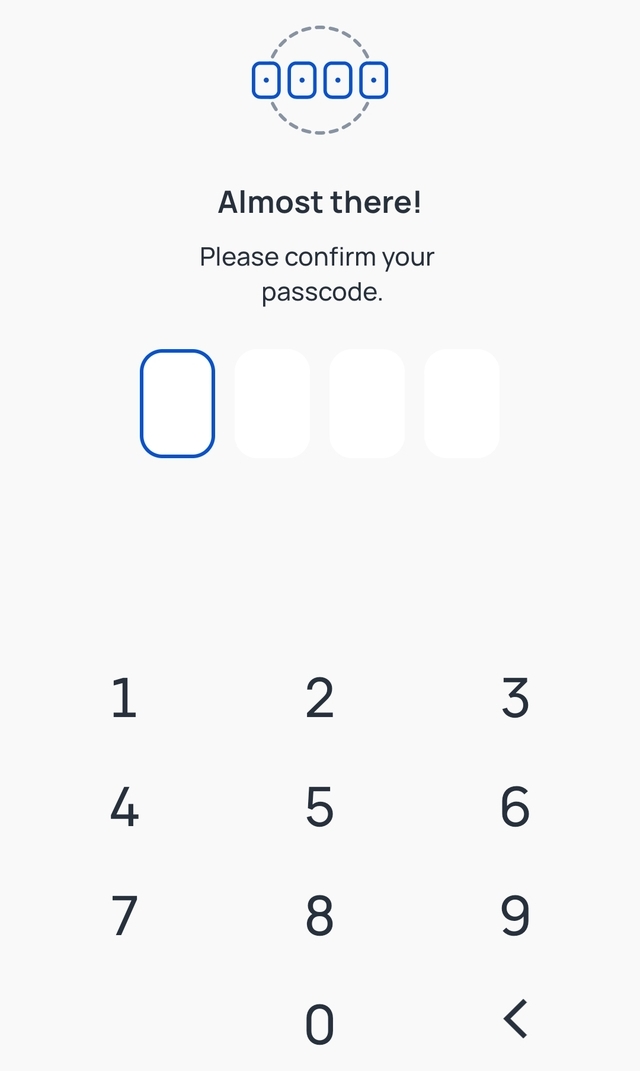
- As another layer of security, CoinsPH will ask you if you prefer enabling your biometrics to log into your Coins account. Take your pick and click "Done."

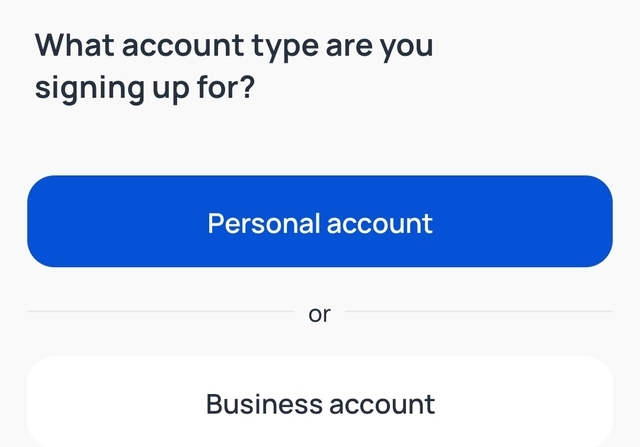
- Choose between personal or business accounts.
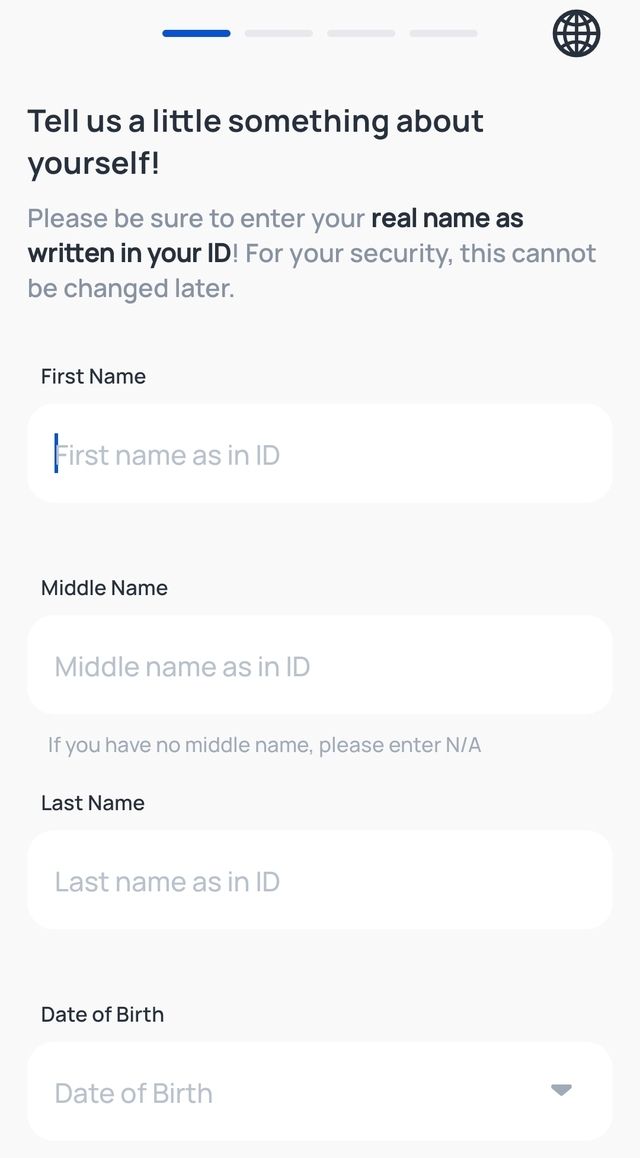
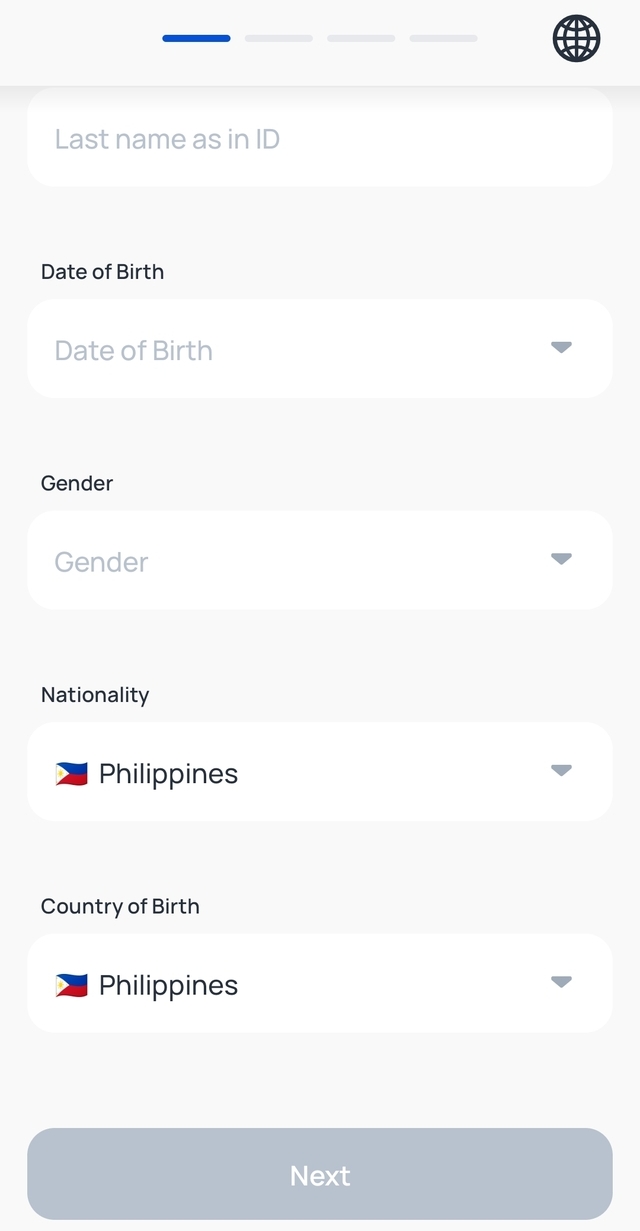
- Provide the necessary details and click "Next."
 Article continues after this ad.
- The next page requires you to provide details about your address. Fill out the blank fields and click "Next."
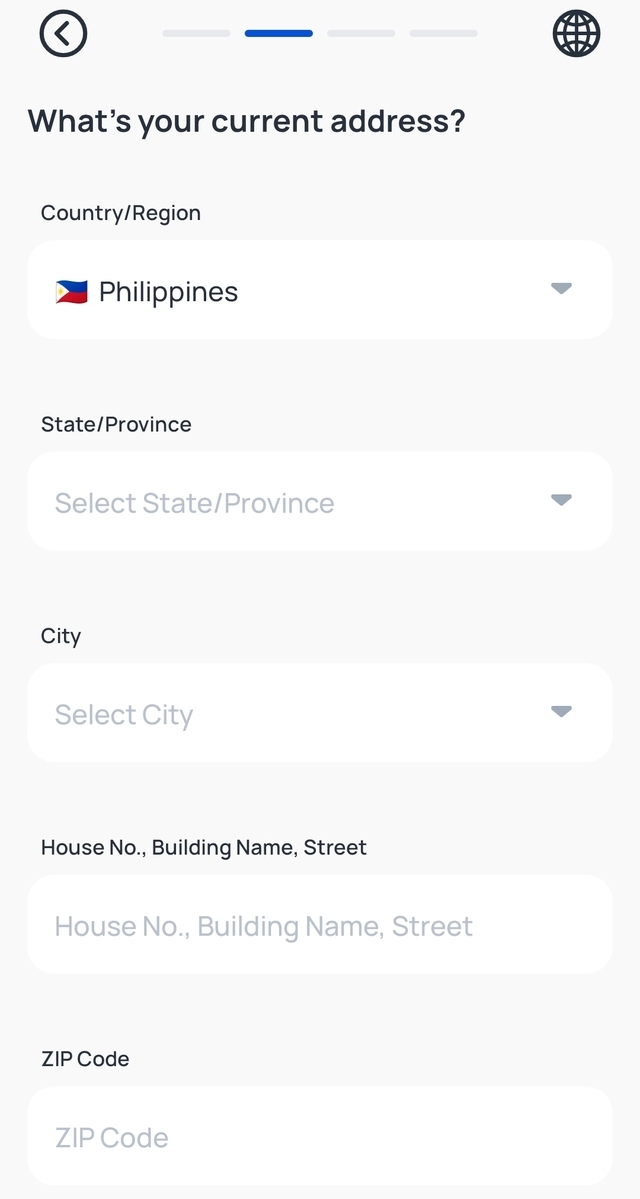
- Provide your source of funds/employment status and the additional fields that come with it and click "Next."

- The system will ask you to provide your purpose for creating a CoinsPH account. Choose one of three options.

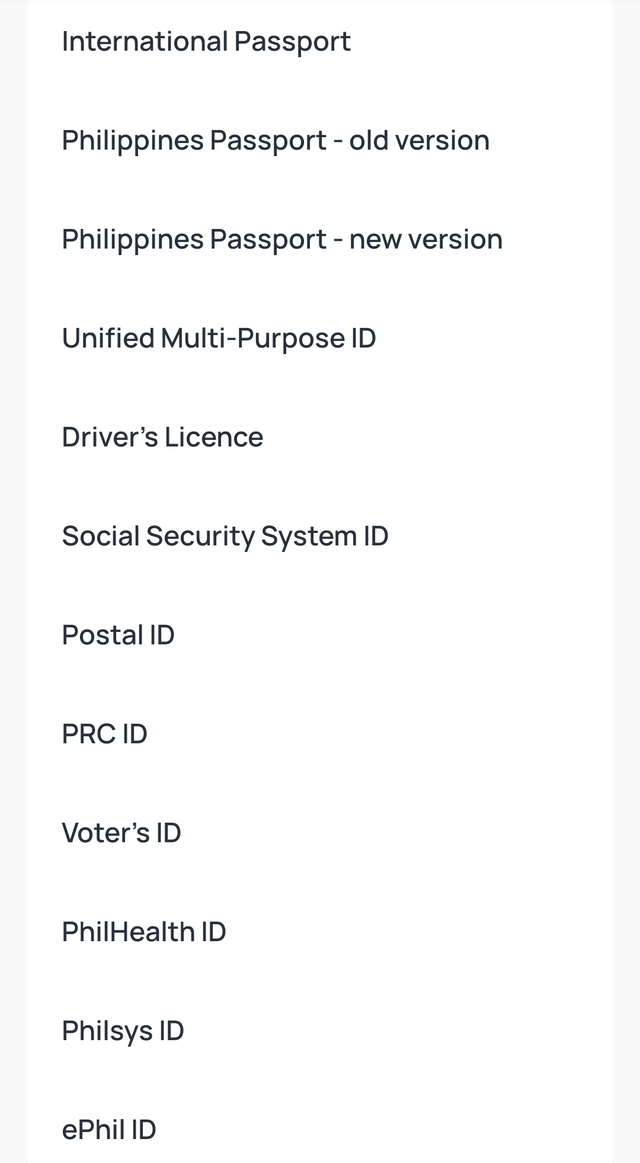
- The next page will ask you to upload a valid photo ID. Choose one from the list of valid IDs.
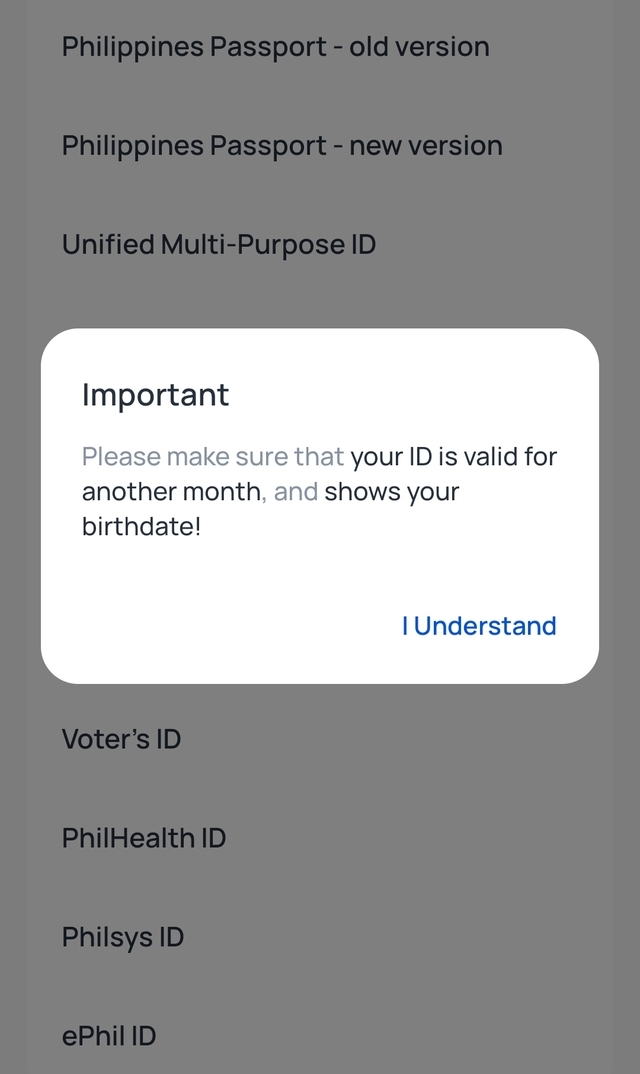
- The system will remind you to upload an ID that will remain valid in the coming month. It should have your birthday as well. Click "I Understand."
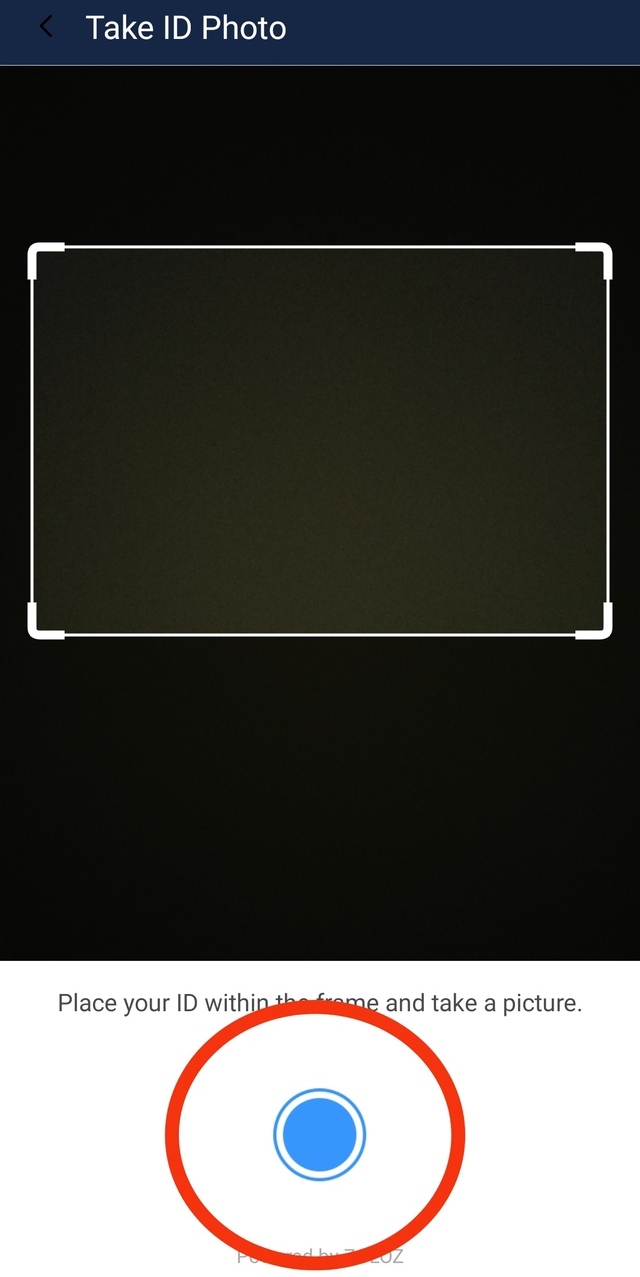
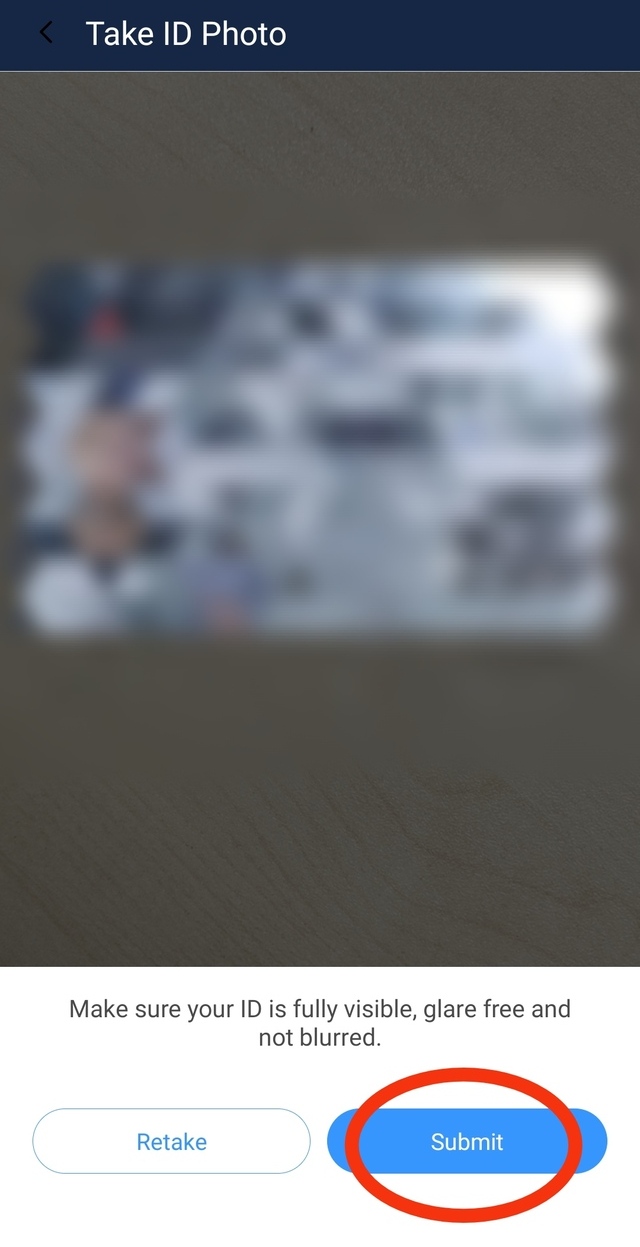
- The system will bring you to a built-in camera. Point your ID picture at the camera lens and press the blue button below.
- Click "Submit."
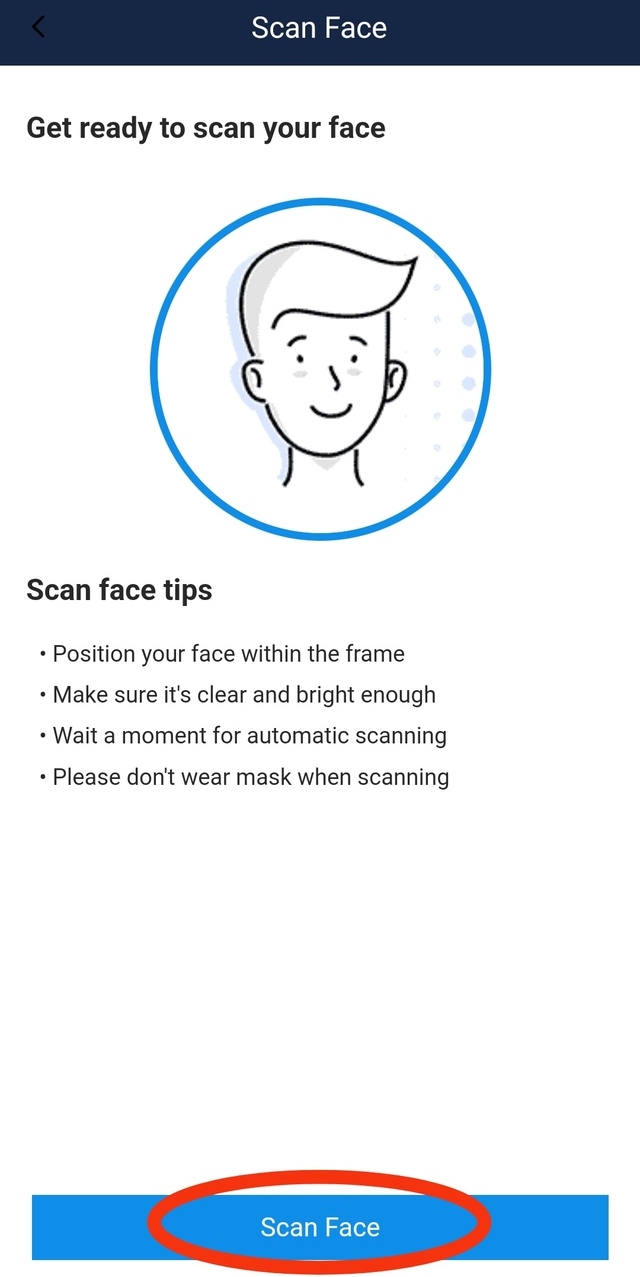
- The next step requires you to scan your face. Click "Scan Face."
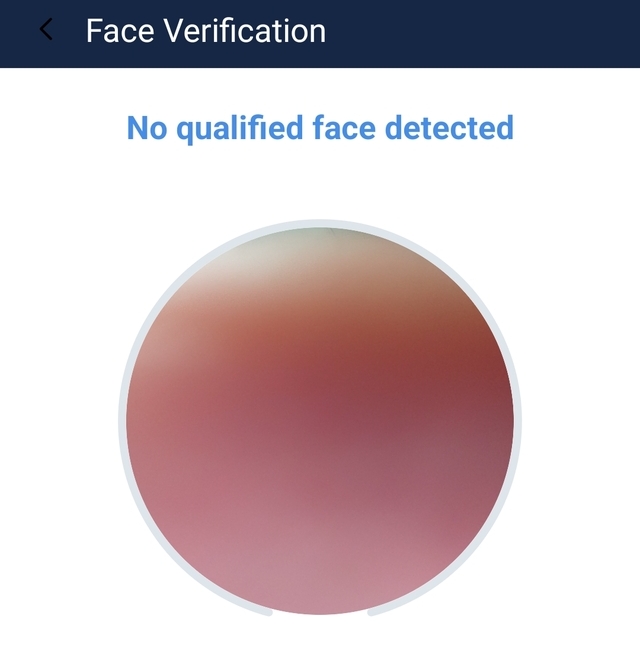
- The system will then use your phone's front cam to scan your face. Blink when asked to.
- The system will again ask you to confirm your info based on your uploaded ID. Edit as needed and click "Confirm."
- You'll receive a notification that your account is for review.

How to Use CoinsPH for Various Services
Cashing In/Adding PHP
- From the homepage, click "Cash In/Add PHP."

- Choose from the list of banks and mobile wallets in the app. Make sure the account is linked to your CoinsPH account.

- The next page will show you instructions on how to cash in using your chosen bank or mobile wallet (including Lazada Wallet via Alipay, GrabPay, and GCash). Make sure to follow the steps. Your funds will be available in your CoinsPH account within 10 minutes.
Also read:
The SPOT.ph Guide to Using CliQQ
The SPOT.ph Guide to Using ShopeePay
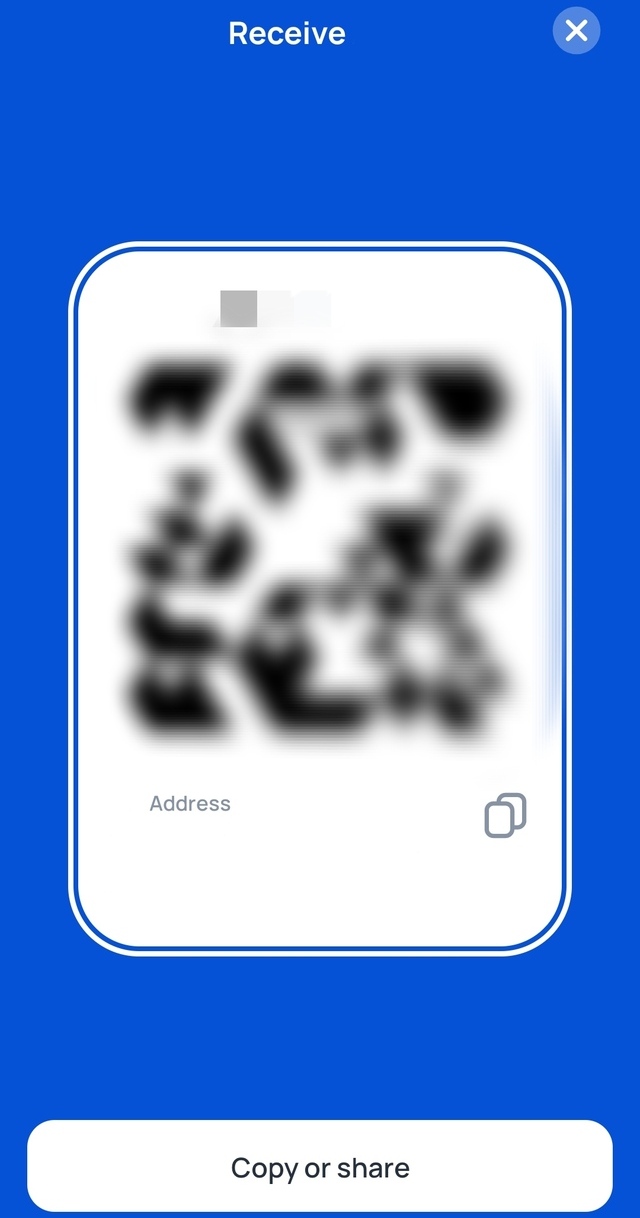
Receiving Funds
- From the homepage, click the middle icon.

- Click "Receive."
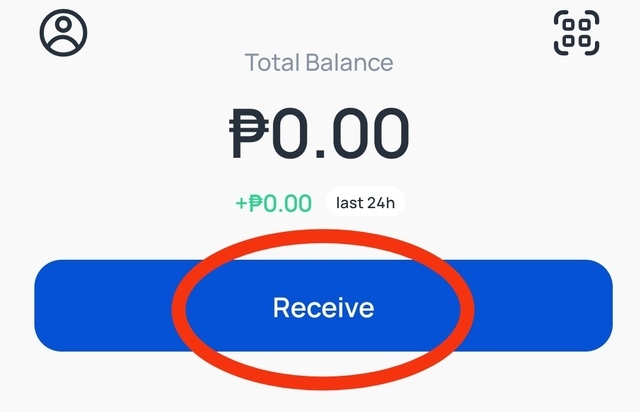
- Select your preferred currency.

- Other than PHP, the system will generate a unique QR code for you to use to receive your currency of choice. Just show or send the QR code to the sender and wait for the transaction to go through.
Paying Bills
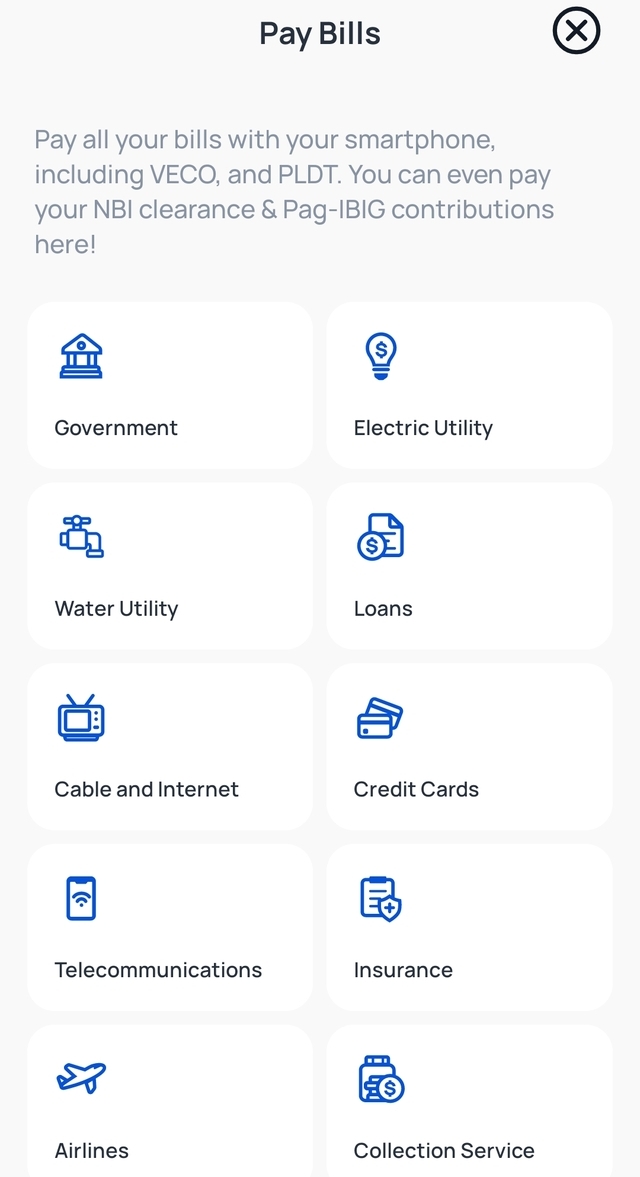
- From the homepage, click the icon on the right.

- Scroll down and click "Pay Bills."

- Choose the biller category you intend to pay.
Buying Load
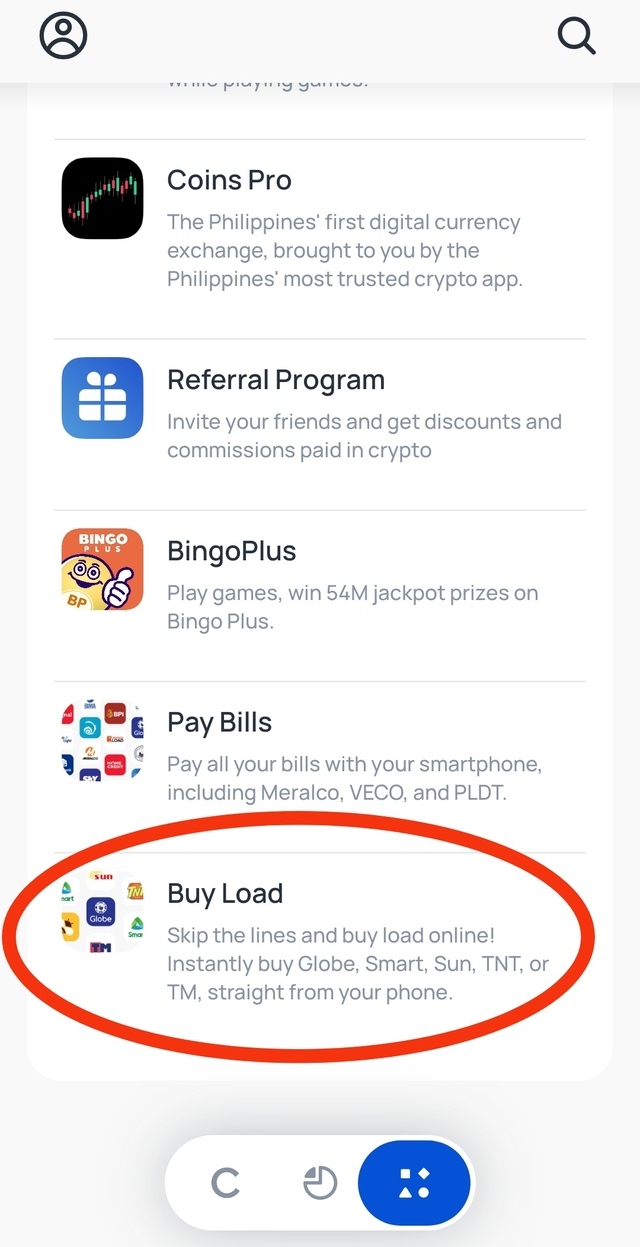
- From the homepage, click the icon on the right.
- Scroll down and click "Buy Load."
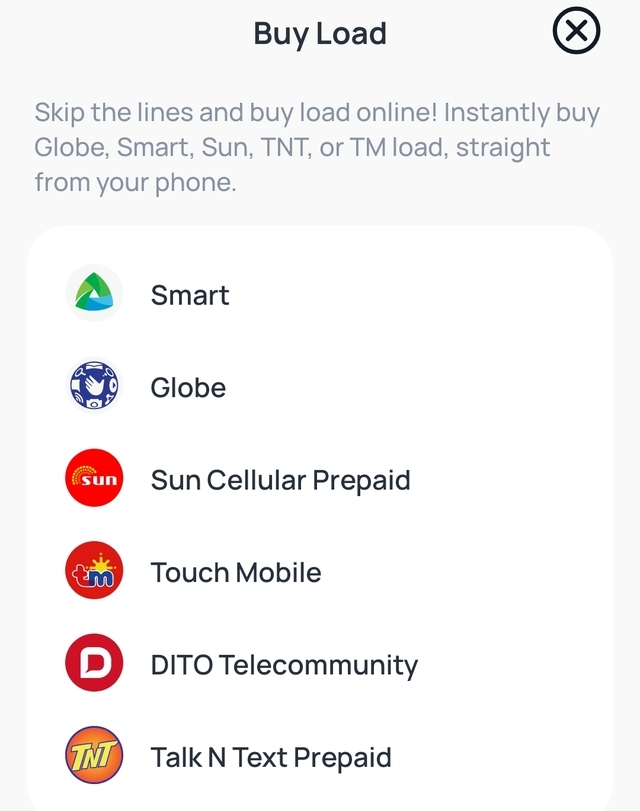
- Choose your preferred network and follow the next set of instructions.
Keeping Your CoinsPH Account Safe
Just like any other online accounts you have out there, you need to make sure your CoinsPH account is not compromised. Here are some ways to do it:
- Create a strong and unique password. First off, the password should not be directly related to you. Meaning, birthdays, anniversaries, or even names of pets and close friends are NOT good options. CoinsPH system requires you to provide a robust password that includes a combination of uppercase and lowercase letters, numbers, and special characters. Have a unique password for your CoinsPH account and avoid reusing it across multiple platforms.
- Be wary of phishing attempts. Be skeptical of emails, messages, or links that request your personal information or login credentials. Remember, CoinsPH will never ask for your password or sensitive details through unsolicited communication. Tip: Check how the message is worded vs. how the legit sites usually do it (i.e., sentence construction, how you are addressed as their client).
- Keep your devices secure. For example, if you're using a computer to access your CoinsPH account, you have to make sure to update the security measures, such as anti-virus software and firewalls. Regularly install security updates for your operating system and applications to minimize vulnerabilities.
- As much as possible, don't use public WiFi. Load up your phone with internet data if you absolutely need to access your online apps while outside. Another alternative is to bring a compact WiFi or broadband stick when you need to head out.
- Regularly monitor your account and its activities. Keep an eye on your transaction history and review any suspicious activities as often as you can. Report any unauthorized transactions or discrepancies to CoinsPH's customer support immediately.
- Safeguard your personal information. Be cautious about sharing your personal information online. Avoid posting sensitive details on social media or other public platforms, as this information can be exploited by cybercriminals. Additionally, be cautious when interacting with unknown individuals or entities requesting personal information.
- Stay informed on the latest security practices and trends in the digital world. Keep an eye on CoinsPH's official communication channels for any security-related updates or alerts. Educate yourself about common phishing techniques and scams to better protect yourself from potential threats. Keep in mind that even if CoinsPH is legit, it can't be automatically true for people you deal with on the platform. Keep an eye on ongoing scams and how they're done so you can avoid these altogether.
- Regularly update your CoinsPH app by checking for and installing available updates. App updates often include security patches that address potential vulnerabilities, ensuring your account remains safe.
Also read:
The SPOT.ph Guide to Using PayPal
The SPOT.ph Guide to Using Maya